



Are you looking for the best cloud hosting providers? In this post, we will show you the top 7 cloud hosting services to try.
Choosing the right cloud hosting provider matters for any small business that wants a reliable website. The best cloud hosting solutions in 2026 offer scalable resources, better performance than traditional shared hosting, and the flexibility to grow with your business.
Instead of depending on a single physical server, cloud hosting uses a network of servers so your site stays online during traffic spikes.
This guide covers the top cloud hosting providers for small businesses, including key features, hosting plans, and options that fit different business needs, so you can choose the best cloud host for your website.
First, we will see why you should use cloud hosting providers.
Why You Should Use Cloud Hosting Providers
Cloud hosting providers give small businesses a more flexible and reliable way to host a website than traditional shared or dedicated hosting.
The benefits of cloud hosting include better performance, easier scaling, and higher uptime, which matter when you run an online store or a growing site.
A good cloud hosting solution uses a network of servers rather than a single physical server, so your site can stay online even if one server has issues. This type of hosting works well for small businesses just starting out and for those that expect more traffic later.
- Better performance for your website: Cloud hosting spreads your site across multiple servers, which typically results in faster load times than a basic shared hosting plan. Small business owners notice the difference when pages load quickly for visitors.
- Easy to scale as you grow: You can increase resources on a cloud hosting plan without moving to a new server or host. This makes cloud hosting ideal for small businesses that want a hosting solution that grows with the business.
- Higher reliability and uptime: Because cloud hosting uses a network of servers, your site is less likely to go down if one server fails. Many cloud hosting providers advertise strong uptime guarantees to help keep a small-business website available.
- More flexible than traditional hosting: Unlike a shared hosting plan or a single dedicated server, cloud hosting lets you adjust resources based on actual needs. This flexibility is useful for businesses that see seasonal traffic or occasional spikes.
- Good options for managed hosting: Several hosting providers offer managed cloud hosting and managed WordPress hosting, so you get support without handling the technical side yourself. These plans can include free SSL, backups, and other useful features.
- Fits different business needs: You can find affordable hosting plans for a new business or more powerful cloud server options for a site that already gets traffic. Choosing the right cloud host depends on your current needs and how much you expect to grow.
What to Look for In Cloud Hosting Providers
When you compare cloud hosting providers for a small business, focus on features that affect speed, reliability, and how easily the hosting plan can grow with your site.
The right cloud host should offer solid performance, clear pricing, and support that matches your technical level. Look at uptime guarantees, resource limits, and any free tools included to pick a hosting solution that fits your current needs and future plans.
- Uptime and reliability: Check the uptime guarantee and how the cloud hosting service handles server issues. A good provider uses a network of servers so your small business website stays online even if one server has problems. Reliable cloud hosting matters more than the lowest price if your site brings in customers.
- Scalability and resource flexibility: Make sure the cloud hosting plan lets you scale up CPU, RAM, or storage without moving to a different server. This flexibility helps when traffic grows and keeps you from hitting hard limits too soon. Many hosting providers that offer cloud plans make scaling straightforward for small businesses.
- Performance and speed features: Look for built-in caching, SSD storage, and, if available, a content delivery network. These improve load times compared with basic shared hosting. Faster pages help both visitors and a website’s search rankings in the cloud.
- Pricing transparency and included features: Review what the hosting plan covers to avoid unexpected costs later. Some cloud hosting plans include a free SSL certificate, backups, or domain registration for the first year. Clear pricing makes it easier to choose a host that stays affordable as your business grows.
- Support quality and management level: Decide how much technical help you need. Managed cloud hosting and managed WordPress hosting offer more support, while unmanaged plans cost less but require more work on your end. Check response times and available support channels before you commit.
- Ease of use and compatibility: Confirm that the hosting platform supports the software you plan to run, such as WordPress or an online store. A simple control panel and one-click install options save time for small business owners. The best fit depends on your business needs and how comfortable you are managing a cloud server.
Shared Hosting vs Cloud Hosting
Shared hosting and cloud hosting work in different ways. Shared hosting places your website on a single physical server with many other sites. Cloud hosting spreads your site across a network of servers.
The table below shows the main differences that matter for a small business.
| Feature | Shared Hosting | Cloud Hosting |
|---|---|---|
| Server setup | One physical server shared with other websites | Network of servers working together |
| Resource allocation | Fixed resources that you share with others | Scalable resources you can increase as needed |
| Performance | Can slow down when other sites on the same server get busy | More stable performance because load is spread out |
| Traffic spikes | Limited ability to handle sudden traffic increases | Handles traffic spikes better by using extra resources |
| Reliability | Site can go down if the single server has issues | Higher uptime because the site can switch to other servers |
| Scalability | Harder to scale; usually means moving to a bigger plan or different host | Easy to scale resources up or down without moving the site |
| Cost | Usually lower starting price | Often starts higher but can be more cost-effective as you grow |
| Management | Simple to use; good for basic websites | Can be simple with managed plans or more technical with unmanaged ones |
| Best for | Small sites with low traffic and simple needs | Growing businesses that need better performance and flexibility |
| Downtime risk | Higher if the physical server fails | Lower because of the distributed setup |
Best 7 Cloud Hosting Providers for Small Businesses
| Provider | Pricing Model | Starting Price | Best For |
|---|---|---|---|
| Cloudways | Managed cloud | $11 per month | Users who want managed hosting on multiple cloud providers |
| SiteGround | Managed cloud | $100 per month | Small businesses that need strong performance and support |
| Hosting.com | Cloud hosting | $40 per month | Sites that need better speed than shared hosting |
| Hostwinds | Hourly cloud servers | $0.006931 per hour | Flexible, pay-as-you-go cloud servers |
| Hostinger | Cloud hosting | $7.99 per month | Budget-friendly cloud hosting for small businesses |
| Kamatera | Flexible cloud servers | $4 per month | Customizable, low-cost cloud infrastructure |
| Kinsta | Managed WordPress | $17.50 per month | WordPress sites that want premium managed hosting |
1. Cloudways

Cloudways is a managed cloud hosting platform that lets you run sites on top of infrastructure from providers like DigitalOcean, AWS, Google Cloud, and Vultr. It handles server setup, security, and updates so you do not need to manage the underlying cloud infrastructure yourself.
The platform works well for WordPress sites and other applications, with built-in caching, free SSL, and a staging environment. Small businesses use it when they want better performance than shared hosting without the technical work of managing a cloud server.
You can scale resources as traffic grows and choose the cloud provider that fits your needs and budget.
Features
- Managed cloud hosting on multiple providers
- One-click app installs including WordPress
- Built-in caching and free SSL certificates
- Staging environments and automated backups
- Easy vertical scaling of server resources
- Team collaboration and application management tools
Pros and Cons
| Pros | Cons |
|---|---|
| Simple managed experience on top of major cloud providers | Pricing can rise as you add more resources or higher-tier plans |
| Good performance with caching and SSD storage | No email hosting included |
| Easy to scale without migrating the site | Learning curve for users who only know basic shared hosting panels |
| Supports multiple cloud providers so you are not locked into one |
Pricing
Cloudways is a premium managed cloud hosting service. Pricing starts at $11 per month.
2. SiteGround
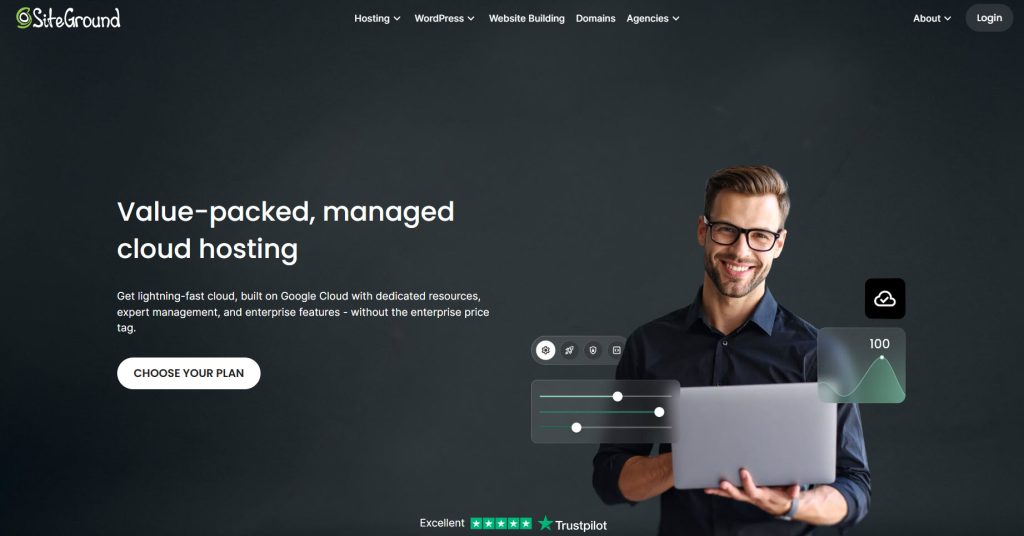
SiteGround offers managed cloud hosting built for websites that need stronger performance and reliability than regular shared plans.
The service runs on Google Cloud infrastructure and includes features such as automatic scaling, daily backups, free SSL, and a custom caching system. It works well for WordPress and other popular platforms, with a control panel that is easier to use than raw cloud servers.
Small businesses choose SiteGround for solid speed, reliable support, and less server management. The plans include staging, security tools, and the ability to handle traffic spikes without manual intervention.
Features
- Managed cloud hosting on Google Cloud
- Automatic resource scaling
- Custom caching and free CDN
- Daily backups and free SSL
- Staging environment
- 24/7 support and WordPress tools
Pros and Cons
| Pros | Cons |
|---|---|
| Strong performance with Google Cloud infrastructure | Starting price is higher than many other cloud options |
| Automatic scaling helps with traffic spikes | Storage and some resources can feel limited on lower plans |
| Easy-to-use control panel and good support | Fewer infrastructure choices compared with multi-cloud platforms |
| Includes useful extras like staging and daily backups |
Pricing
SiteGround is a premium managed cloud hosting service. Pricing starts at $100 per month.
3. Hosting.com
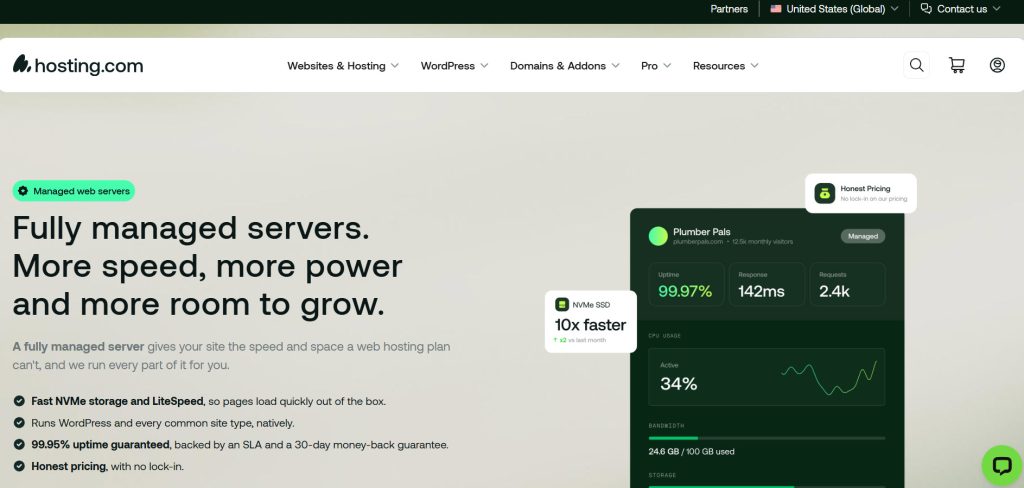
Hosting.com, formerly known as A2 Hosting, is a cloud hosting provider that offers better speed and flexibility than basic shared hosting for a small-business website. The service includes SSD storage, free SSL, automated backups, and the option to scale resources as traffic grows.
It works as a practical cloud hosting solution for WordPress and other platforms, with a control panel most small business owners can manage. Many people choose this hosting type when they want a middle ground between cheap shared plans and expensive fully managed options.
The plans focus on performance so you can host your website in the cloud without heavy technical work.
Features
- Cloud hosting with SSD storage
- Free SSL certificates and automated backups
- Turbo server options for better speed
- Easy resource scaling on cloud plans
- WordPress tools and one-click installs
- Control panel suitable for small business owners
Pros and Cons
| Pros | Cons |
|---|---|
| Solid performance with turbo options and SSD storage | Interface feels less polished than some higher-end managed platforms |
| Flexible scaling without a full site migration | Support quality can vary by plan |
| Includes free SSL and regular backups | Fewer advanced managed tools than premium cloud hosts |
| Familiar control panel that works well for most users |
Pricing
Hosting.com is a premium cloud hosting service. Pricing starts at $40 per month.
4. Hostwinds
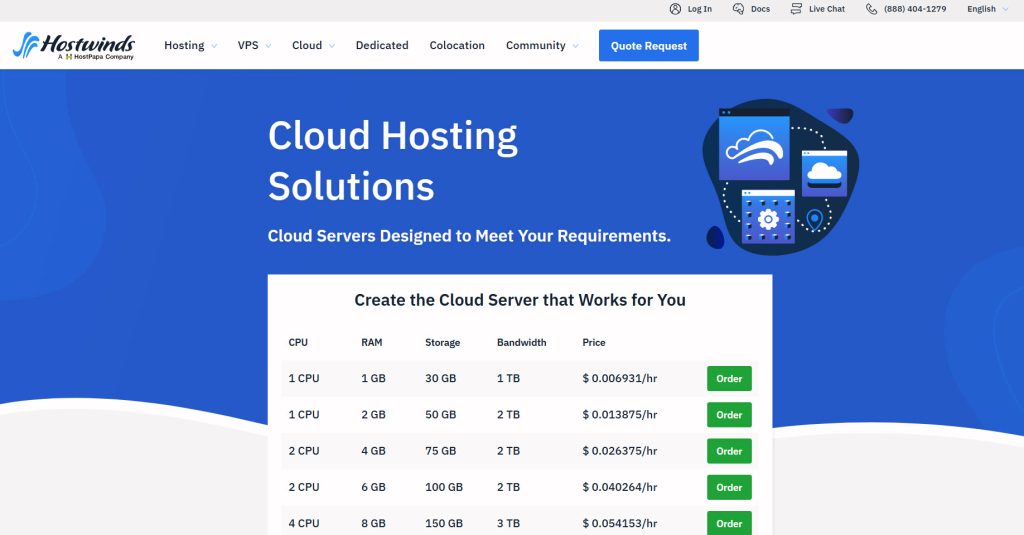
Hostwinds is a web hosting provider that offers flexible cloud servers with hourly billing, making it a practical choice for small businesses that want control over costs.
You can start small and scale resources as your site grows, which works well if you’re a small business testing traffic or running a website that doesn’t need a fixed, high-monthly plan. The service sits between shared and dedicated hosting, offering a cloud environment you can manage yourself.
Many people look at Hostwinds when choosing a cloud hosting provider that stays affordable while still letting you host your website on scalable infrastructure. It is a good fit for your business if you prefer pay-as-you-go hosting to long-term contracts.
Features
- Hourly billed cloud servers
- Easy vertical scaling of resources
- Free daily backups
- Choice of operating systems and control panels
- SSD storage options
- DDoS protection included
Pros and Cons
| Pros | Cons |
|---|---|
| Low entry price with hourly billing | Requires more technical knowledge than managed cloud hosts |
| Easy to scale resources up or down | Interface and tools are more basic than premium platforms |
| Free daily backups included | Support can be slower on lower-tier plans |
| No long-term contract required |
Pricing
Hostwinds is a flexible cloud hosting service with hourly billing. Pricing starts at $0.006931 per hour.
5. Hostinger
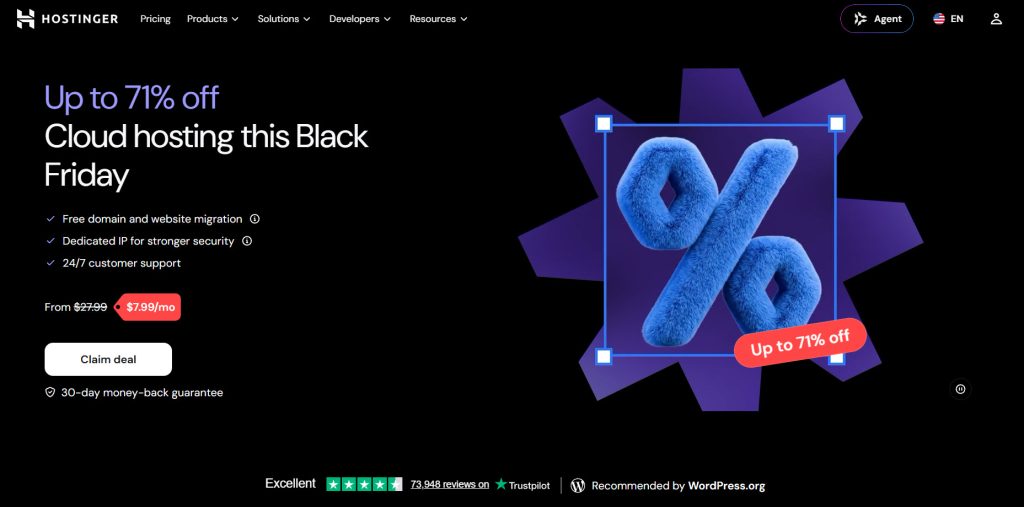
Hostinger is a popular cloud hosting provider that offers affordable plans for small businesses looking for better performance than shared hosting. The service includes SSD storage, free SSL, a control panel, and the ability to scale resources as your site grows.
It works well as website hosting for WordPress and other platforms, with tools that most small business owners can use without advanced technical skills. Many people consider Hostinger when they want a cloud hosting option that stays budget-friendly while still providing a solid hosting environment.
It is a practical choice if you’re a small business that needs reliable cloud hosting without a high monthly cost.
Features
- Affordable cloud hosting plans
- SSD storage and free SSL
- Easy-to-use control panel
- Resource scaling options
- WordPress tools and one-click installs
- Daily backups on higher plans
Pros and Cons
| Pros | Cons |
|---|---|
| Low starting price that suits small business budgets | Support can be slower during busy periods |
| Simple control panel that is easy for beginners | Some advanced features are limited to higher plans |
| Solid performance for the price with SSD storage | Fewer managed tools compared with premium cloud hosts |
| Good entry point into cloud hosting for small sites |
Pricing
Hostinger is a budget-friendly cloud hosting service. Pricing starts at $7.99 per month.
6. Kamatera
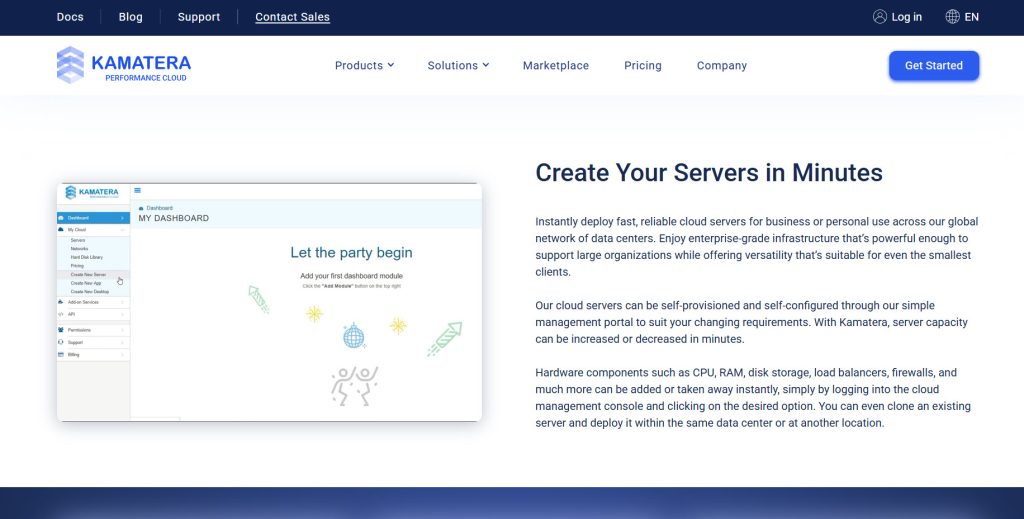
Kamatera is a cloud hosting provider that offers flexible cloud servers with a low starting price, making it suitable for small businesses that want control over their infrastructure. You can configure CPU, RAM, and storage according to your needs and scale them as the site grows.
The service supports a wide range of operating systems and applications, including WordPress. It works well for users who prefer a more customizable cloud environment rather than a fully managed panel.
Kamatera is a practical option for affordable cloud hosting that scales without forcing you into a large, fixed plan.
Features
- Customizable cloud servers
- Low starting price with flexible resources
- Wide choice of operating systems
- Easy vertical and horizontal scaling
- SSD storage and global data centers
- Hourly or monthly billing options
Pros and Cons
| Pros | Cons |
|---|---|
| Very low entry price and flexible resource options | Requires more technical setup than managed hosts |
| Easy to scale CPU, RAM, and storage | Control panel is more basic than premium platforms |
| Global data centers for better location choice | Support is more limited on lower-tier plans |
| No long-term contract on most configurations |
Pricing
Kamatera is a flexible cloud hosting service. Pricing starts at $4 per month.
7. Kinsta
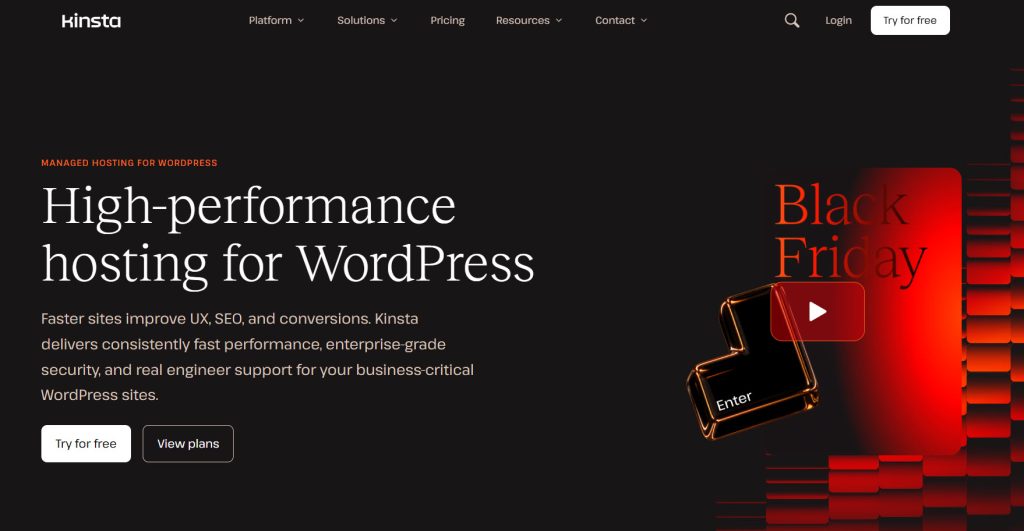
Kinsta is a premium managed WordPress hosting provider built on Google Cloud that works well for small businesses wanting strong performance and less server management.
The service includes automatic scaling, daily backups, free SSL, and a custom control panel designed for WordPress sites. It sits higher than basic VPS hosting or shared plans and focuses on speed, security, and support.
Many people turn to Kinsta when they want a reliable cloud service that handles most of the technical work for them. It is a solid option if you’re a small business that prefers a managed hosting environment over configuring a virtual private server yourself.
Features
- Managed WordPress hosting on Google Cloud
- Automatic resource scaling
- Daily backups and free SSL
- Custom MyKinsta control panel
- Staging environments
- Built-in caching and CDN
Pros and Cons
| Pros | Cons |
|---|---|
| Excellent performance with Google Cloud infrastructure | Higher price than budget cloud or VPS options |
| Fully managed so less technical work is needed | Focused mainly on WordPress sites |
| Strong support and useful tools like staging | Storage and resource limits can feel tight on lower plans |
| Automatic scaling helps with traffic spikes |
Pricing
Kinsta is a premium managed WordPress hosting service. Pricing starts at $17.50 per month.
Frequently Asked Questions
Now, let’s take a look at some frequently asked questions and answers on this topic.
What Is the Best Cloud Hosting for Small Business in 2026?
The best cloud hosting for small business in 2026 depends on your budget and technical needs. Managed options work well if you want less server work, while flexible cloud servers suit users who prefer more control. Consider performance, support, and pricing before choosing the best cloud hosting provider for your site.
How Do I Choose the Best Cloud Hosting Provider?
Start by checking your traffic, budget, and the level of server management you want to handle. Compare hosting plans for features like backups, SSL, and scaling options. A good web hosting provider should meet your current needs while allowing the site to grow without a full migration.
What Are the Benefits of Cloud Hosting for Small Businesses?
Cloud hosting gives better performance and easier scaling than basic shared plans. You can increase resources as traffic grows without moving to a new server. It also reduces the risk of downtime, helping a small business maintain a reliable website.
Is Cloud Hosting Ideal for a Small Business Website?
Yes, cloud hosting is ideal for most small-business websites that need faster speeds than shared hosting. It offers flexible resources and solid uptime without the cost of a dedicated server. Many hosting companies now provide simple plans made for smaller sites.
What Hosting Type Works Best for Small Businesses?
Cloud hosting works well for most small businesses because it balances price and performance. Shared hosting is cheaper but slower under heavy traffic, while dedicated servers cost more than most small sites need. A cloud hosting plan usually strikes the right balance.
How Do I Choose the Best Cloud Hosting Plan?
Look at storage, bandwidth, backups, and support included in each hosting plan. Check if the provider lets you scale resources easily as the site grows. The right cloud hosting plan should accommodate your current traffic without forcing a big price increase later.
What Should I Look for in a Web Hosting Service?
A good web hosting service should include free SSL, regular backups, and decent support. Check uptime guarantees and how easy it is to manage the server or control panel. For a small business, simple tools and clear pricing matter more than long feature lists.
Are There Good Hosting Options for Small Businesses on a Budget?
Yes, several providers offer affordable cloud hosting plans that start under $10 per month. These plans usually include basic scaling, SSL, and a control panel. They work well if you’re a small business that needs better performance than shared hosting offers without incurring high costs.
What Is the Difference Between Cloud Hosting and VPS Hosting?
Cloud hosting usually runs on multiple servers and offers easier scaling. A virtual private server gives you dedicated resources on a single machine and often requires more setup. Both can work for a small business, but cloud hosting tends to be more flexible for growing sites.
How Do I Pick a Provider for My Small Business Hosting Needs?
Match the provider to your budget, traffic, and comfort with technical work. Managed cloud hosts suit users who want less server maintenance, while flexible options fit those who prefer more control. Review the features and support of each hosting solution before you decide.
Conclusion
Choosing the right cloud host depends on your budget and how much server work you want to handle. Cloud hosting is ideal for small businesses that need better performance than shared hosting while staying flexible.
If you want a managed setup on different providers, Cloudways is a strong option on this list. SiteGround works well when support and speed matter more than the lowest price.
Hosting.com and Hostinger are well-suited to small business owners who need an easy web hosting service with solid tools. Hostwinds and Kamatera suit users who prefer flexible cloud servers and lower entry costs.
Kinsta stands out for WordPress sites that need premium managed hosting. Match the provider for your business to your traffic, budget, and technical comfort so the hosting for your small business actually supports growth.
Which one are you going to pick?
Let us know in the comments.

Leave a Reply