



Running both an online and offline store? Then you already know the struggle – keeping inventory synced, managing orders from different channels, and making sure your checkout process doesn’t slow things down.
That’s exactly where a WooCommerce point of sale plugin comes in.
After years of working with WooCommerce stores (and testing quite a few tools myself), I’ve put together this list of the best point of sale for WooCommerce solutions that actually make life easier – whether you run a retail shop, café, or pop-up store.
Let’s dive in.
Why Do You Need a WooCommerce POS System?
Before jumping into the plugins, here’s the quick truth!
One of the biggest advantages is real-time synchronization. With a POS system, your inventory updates instantly whenever a sale is made, whether it happens online or in-store. This means no more overselling, manual stock adjustments, or confusing discrepancies between channels.
It also significantly improves your checkout experience. Instead of relying on slow or manual processes, a POS system allows you to handle transactions quickly, accept multiple payment methods, and serve customers with ease. A faster checkout not only saves time but also leaves a better impression on your customers.
It also transforms your in-store checkout experience. Instead of calculating totals manually, a POS system lets you calculate the bill on the spot, apply discounts, add taxes automatically, and complete transactions in seconds. You can also print receipts instantly or send them digitally, giving your store a more professional and seamless touch.
In short, a WooCommerce POS system isn’t just a nice addition – it’s a practical tool that helps you streamline operations, reduce errors, and deliver a smooth, consistent shopping experience across both online and offline channels.
Best WooCommerce Point of Sale Plugins
WooCommerce POS (by Kilbot)
This is often the first plugin store owners try, and for good reason. WooCommerce POS integrates directly with your WooCommerce dashboard, which means you don’t have to learn an entirely new system to start selling in person. Everything from products to customer data syncs seamlessly, making it feel like a natural extension of your store.
In real-world use, this WooCommerce point of sale plugin performs reliably during busy hours, especially for stores with a steady flow of customers. While it may not offer the most advanced reporting or flashy interface, it covers all the essentials you need to run a smooth checkout experience. For many store owners, that simplicity is exactly what makes it so effective.
What stands out in real use:
- The interface is simple and familiar if you already use WooCommerce
- Products, customers, and orders sync instantly
- Barcode scanning works smoothly for retail environments
- You can manage multiple outlets without needing extra tools
Where it could improve:
- Limited advanced reporting
- UI feels a bit basic compared to newer tools
My honest take:
If you want a no-fuss WooCommerce point of sale plugin that just works, this is a solid starting point. It’s not flashy, but it’s reliable.
wePOS
This is one of those plugins that surprises you in a good way. wePOS stands out immediately with its modern and intuitive interface, which makes daily operations feel smoother from the very first use. The layout is clean, the navigation is fast, and even new staff members can pick it up quickly without much training. It’s clearly designed with usability in mind, which is a huge plus for growing stores.
As a point of sale for WooCommerce, wePOS excels in speed and responsiveness, especially on tablets and touch devices. This makes it ideal for small retail shops or cafés where quick service is essential.
What you’ll notice immediately:
- Clean, modern interface that’s easy to navigate
- Fast product search and checkout flow
- Built-in customer management (great for repeat buyers)
- Works beautifully on tablets, perfect for small counters
Real-world advantage:
When your store gets busy, speed matters. WePOS keeps things moving without lag.
Downsides:
- Some advanced features require add-ons
- Not ideal for very large, multi-location businesses
Verdict:
A great WooCommerce point of sale if you care about usability and speed.
YITH Point of Sale for WooCommerce
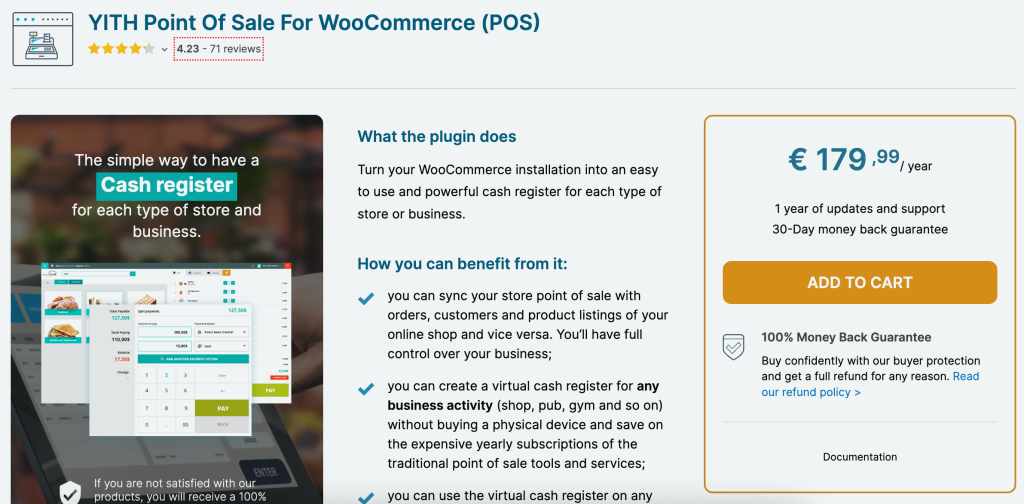
YITH is known for building dependable WooCommerce plugins, and this one follows that pattern. It offers tools like multi-register support, cash management, and customizable receipts, which help you maintain better control over daily operations. This makes it particularly useful for stores with multiple staff members handling transactions.
What makes this WooCommerce point of sale plugin stand out is its focus on operational detail. You can track cash flow, manage multiple outlets, and continue selling even when offline. Although the setup process may take a bit more time, the level of control it provides can be a big advantage for store owners who want everything organized and trackable.
Features I found useful:
- Multi-store and multi-register support
- Customizable receipts (helpful for branding)
- Cash management for tracking daily transactions
- Offline mode for uninterrupted sales
Where it shines:
If you run a physical retail shop with staff, this plugin gives you more operational control.
Limitations:
- Setup takes a bit longer
- Interface isn’t as modern as some competitors
My take:
A dependable WooCommerce point of sale plugin for store owners who want structure and control.
Hike POS

This is more than just a plugin, it’s a full retail system that integrates with WooCommerce. Hike POS is built for businesses that are growing beyond a single location and need better visibility across inventory, sales, and staff performance. The system centralizes everything, helping you manage your operations more efficiently.
As a scalable point of sale for WooCommerce, Hike POS really shines when handling multiple stores and larger inventories. Its reporting tools provide valuable insights that can help you make smarter business decisions.
What makes it powerful:
- Advanced inventory management across multiple locations
- Detailed analytics and reporting
- Works both online and offline
- Staff roles and permissions
Real store insight:
If you’re managing more than one store, this kind of system saves hours of manual work every week.
Downsides:
- Higher cost compared to simpler plugins
- Might feel overwhelming for small stores
Verdict:
A strong point of sale for WooCommerce for scaling businesses and retail chains.
Oliver POS
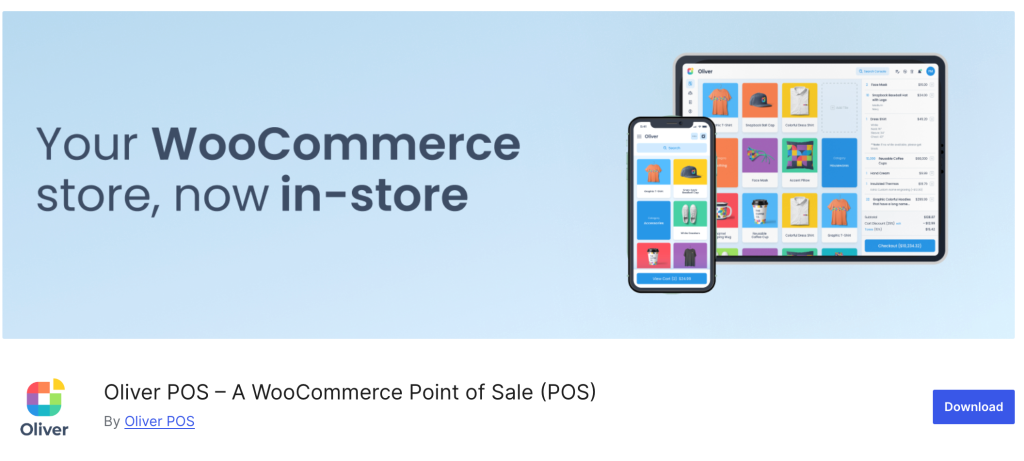
Oliver POS focuses on simplicity and accessibility. This plugin is quick to set up, making it a great choice for store owners who want to get started without technical hassle. Since it runs entirely in your browser, you don’t need to install additional software or worry about compatibility issues. You can literally start selling in minutes.
This WooCommerce point of sale plugin is perfect for beginners or small businesses that appreciate convenience. It comes with useful features like loyalty programs and customer tracking, which bring added value without making things complicated. Even if it doesn’t offer extensive customization, it provides a seamless and hassle-free experience for day-to-day use.
What I like:
- Runs entirely in your browser, no installation headaches
- Quick setup (you can start selling in minutes)
- Includes loyalty programs and gift cards
- Works on almost any device
Real benefit:
Perfect if you don’t want to deal with technical setup or extra hardware.
Limitations:
- Requires stable internet for best performance
- Less customizable than advanced systems
My take:
An excellent entry-level WooCommerce point of sale plugin for beginners.
ConnectPOS
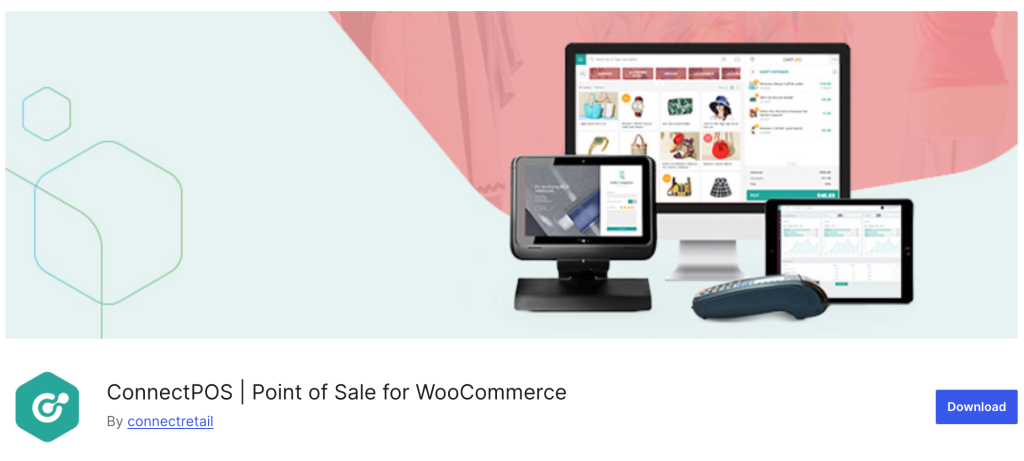
This is where things start getting more “enterprise-level.” ConnectPOS is built with omnichannel businesses in mind, offering a robust system that connects your WooCommerce store with multiple sales channels. Whether you’re selling online, in-store, or across marketplaces, it keeps everything synchronized in real time. This level of integration is incredibly useful for maintaining consistency across your business.
As a more advanced point of sale for WooCommerce, ConnectPOS offers powerful features like hardware integration, flexible payment options, and detailed analytics. It’s a great fit for businesses that need more than just basic POS functionality.
Key strengths:
- True omnichannel syncing (online, offline, marketplaces)
- Supports various payment gateways
- Integrates with POS hardware
- Advanced reporting dashboards
In practice:
If your business sells across multiple channels, ConnectPOS keeps everything aligned.
Downsides:
- Pricing can be higher
- Setup may require some technical understanding
Verdict:
A powerful point of sale for WooCommerce for serious growth and multi-channel selling.
Comparison Table (Quick Overview)
| Plugin | Best For | Offline Mode | Multi-store | Ease of Use |
| WooCommerce POS | Small–medium stores | ✔️ | ✔️ | ⭐⭐⭐⭐ |
| wePOS | Fast checkout experience | ❌ | ❌ | ⭐⭐⭐⭐⭐ |
| YITH POS | Retail control | ✔️ | ✔️ | ⭐⭐⭐⭐ |
| Hike POS | Large/multi-store | ✔️ | ✔️ | ⭐⭐⭐ |
| Oliver POS | Beginners | ❌ | ❌ | ⭐⭐⭐⭐⭐ |
| ConnectPOS | Omnichannel selling | ✔️ | ✔️ | ⭐⭐⭐ |
Final Thoughts
Choosing the right WooCommerce point of sale plugin isn’t about chasing the longest feature list, it’s about finding a system that actually fits the way your store operates day to day.
From my experience, the biggest difference a good point of sale for WooCommerce makes is peace of mind. You stop worrying about mismatched inventory, missed orders, or slow checkouts, and start focusing on what really matters: serving customers and growing your business.
One thing I always recommend: test the workflow yourself. Add products, simulate a sale, try it during peak hours. A POS system might look great on paper, but what really matters is how it performs when there’s a line of customers waiting.
At the end of the day, the best WooCommerce point of sale plugin is the one that feels natural for you and your team – fast, reliable, and easy to trust.
So take your time, explore your options, and choose the system that helps you run your store smoother, not more complicated.
Because when your POS works seamlessly, everything else tends to fall into place.

Leave a Reply