


Are you looking for the best Gutenberg block plugins for WordPress? In this article, we will show you the top 7 plugins to enhance your website’s functionality and design.
Gutenberg block plugins add extra blocks and features to the default WordPress editor so you can build pages faster without switching to a separate page builder.
These plugins offer collections of layout blocks, buttons, columns, and design elements that help you create custom layouts inside the block editor. Many include a free version with essential blocks, while the pro version unlocks more templates and advanced options.
Using a Gutenberg plugin improves the workflow for WordPress users who want better control over spacing, responsive design, and page layouts. This guide looks at the best options so you can compare features and pick one that fits your site.
First, let’s see what Gutenberg block plugins are and why you need to use them.
What Are Gutenberg Block Plugins and Why Use Them
Gutenberg block plugins add extra blocks and features to the default WordPress editor so you can build pages without relying only on core blocks.
These plugins offer collections of layout blocks, buttons, columns, sliders, and design elements that help you create custom layouts faster.
Many include a free version with essential blocks, while the pro version unlocks advanced options such as additional templates and access to the design library. Using a Gutenberg plugin improves the workflow for WordPress users who want more control over spacing, responsive design, and page layouts inside the block editor.
Instead of switching to a separate page builder, you can stay in the native editor and still get the blocks and templates needed for modern sites. This approach keeps things lightweight and works well with most WordPress themes.
What to Look for In WordPress Gutenberg Block Plugins
Choosing the right Gutenberg block plugin means looking at the quality of the blocks, how well they fit your workflow, and whether the free version is useful enough to test. A good plugin should add useful blocks without slowing down your site or forcing you into a separate page builder.
- Check the selection of blocks included in the free version. You should get essential layout blocks such as columns, buttons, and sections so you can build basic pages before deciding to upgrade.
- Look for responsive controls and spacing options. The plugin should let you adjust margins, padding, and layouts for different screen sizes without writing custom CSS.
- Compatibility with your theme and other plugins matters. A Gutenberg plugin that conflicts with your theme or common tools will create more work than it saves inside the block editor.
- Ease of use and a clean interface help you work faster. Blocks should be easy to find and customize in the WordPress admin without a steep learning curve.
- Pre-built templates or a design library save time. Many plugins offer ready-made sections you can import and then edit instead of starting every layout from scratch.
- Check if the plugin stays lightweight. Adding too many unused blocks can slow your site, so look for options that let you enable only the blocks you actually need.
Best 7 Gutenberg Block Plugins for WordPress
| Plugin | Pricing Model | Price | Best For |
|---|---|---|---|
| Brandy Blocks | Free | Free | eCommerce sites that want wishlist, product comparison, and a large pattern library |
| Kadence Blocks | Freemium | Free / Pro in Liquid Web bundles | Flexible layouts with strong free blocks and a design library |
| Otter Blocks | Freemium | Free / Pro from $69/year | Users who want AI tools, forms, and visibility conditions |
| Spectra Legacy | Free | Free | Existing users who need a full free block library with forms and SEO blocks |
| GenerateBlocks | Freemium | Free / Pro from $99/year | Developers and performance-focused sites that want lightweight core blocks |
| Essential Blocks | Freemium | Free / Pro from $37/year | Sites that need a large free block collection and WooCommerce options |
| Stackable | Freemium | Free / Pro from $49/year | Users who want a design library, global styles, and flexible layout blocks |
1. Brandy Blocks
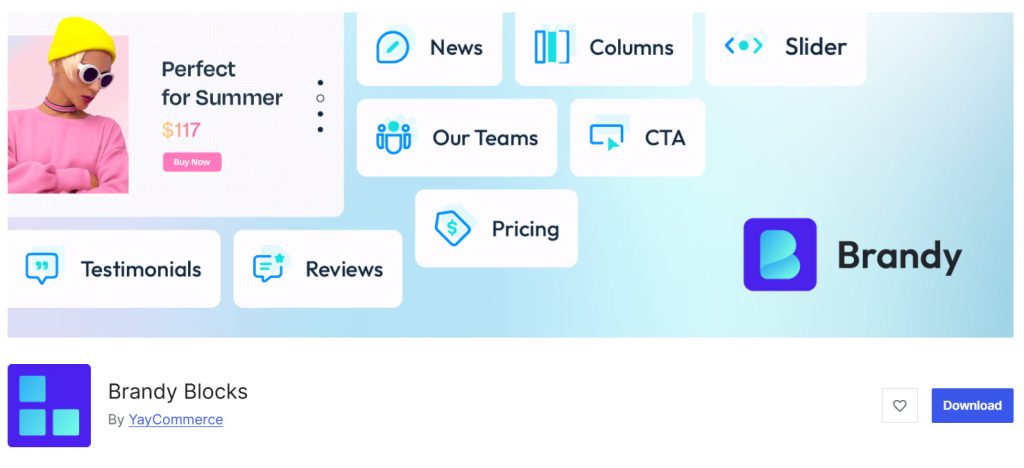
Brandy Blocks is a free Gutenberg block plugin for WordPress that adds a collection of custom blocks, block enhancements, and a large pattern library to the Gutenberg editor.
It includes layout blocks, container blocks, testimonials, pricing tables, forms, and specialized WooCommerce blocks such as the wishlist and product comparison blocks. The plugin also offers a 140+-pattern library so you can insert prebuilt sections quickly.
It is designed to work especially well with the Brandy theme and WooCommerce for building ecommerce pages. This Gutenberg plugin is useful for WordPress users who want more design options and ecommerce features without switching to a separate page builder.
Features
- Custom layout, content, and form blocks
- Testimonials and pricing table blocks
- WooCommerce wishlist and product comparison
- 140+ pattern library
- Block enhancements like carousels and animations
- Responsive visibility and hover effects
- Form builder with multiple field types
- Free with no premium version
Pros and Cons
| Pros | Cons |
|---|---|
| Large pattern library and useful ecommerce blocks | Best experience with the Brandy theme |
| Includes wishlist and product comparison | |
| Free with a solid set of blocks and forms | |
| Works inside the native block editor |
Pricing
Brandy Blocks is free. The free version can be downloaded from the WordPress repository. There is no premium version.
2. Kadence Blocks
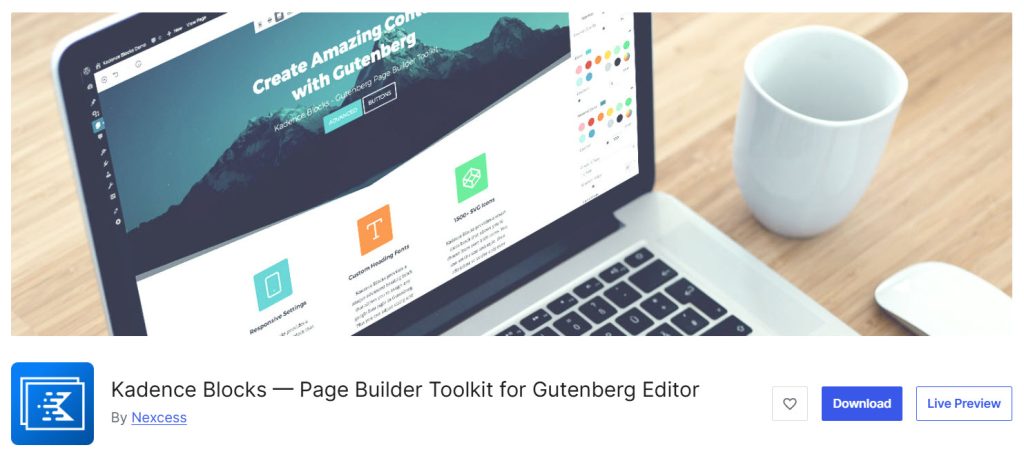
Kadence Blocks is a freemium Gutenberg block plugin for WordPress that adds a strong collection of custom blocks and design controls to the Gutenberg editor. It includes row layout, section block, advanced button, form, gallery, tabs, accordion, and testimonial blocks along with responsive controls and a design library.
The free version covers core layout and content blocks so you can test before upgrading, while the Pro version adds advanced query loops, modals, dynamic content, and more patterns.
This Gutenberg plugin is useful for WordPress users who want flexible page building options without switching to a separate page builder. Pair it with the Kadence theme, and you are good to go.
Features
- Row layout and section blocks
- Advanced button, form, and gallery blocks
- Tabs, accordion, and testimonials
- Responsive controls and spacing options
- Design library with pre-built patterns
- Advanced query loop and modal
- Dynamic content and custom icons
- Intelligent loading for performance
Pros and Cons
| Pros | Cons |
|---|---|
| Strong free version with many useful blocks | Pro features are sold as part of a larger bundle |
| Good responsive controls and design library | Higher starting cost when Pro is bundled |
| Lightweight and performance-focused | |
| Works well inside the native block editor |
Pricing
Kadence Blocks is freemium. The free version can be downloaded from the WordPress repository. Pro features come with multiple Liquid Web tools and start at higher bundle pricing.
3. Otter Blocks
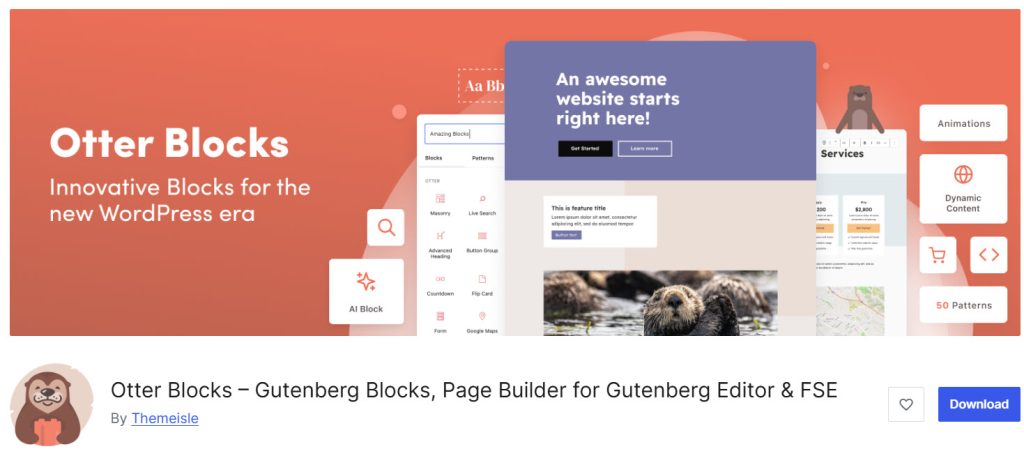
Otter Blocks is a freemium Gutenberg block plugin for WordPress that adds extra blocks and features to the block editor. It includes section, advanced heading, form, accordion, tabs, slider, popup, and icon blocks along with patterns and AI tools.
The free version covers core layout and content blocks so you can test before upgrading, while the Pro version adds Add to Cart, modal, business hours, live search, and more visibility conditions.
This Gutenberg plugin is useful for WordPress users who want more design options and AI help in the native editor, without switching to a separate page builder.
Features
- Section, advanced heading, and form blocks
- Accordion, tabs, and slider blocks
- Popup and icon list blocks
- Patterns and AI content tools
- Responsive controls and animations
- Add to Cart and business hours
- Modal, live search, and review comparison
- Advanced visibility conditions and dynamic content
Pros and Cons
| Pros | Cons |
|---|---|
| Strong free version with useful blocks and AI tools | Advanced WooCommerce and modal features require Pro |
| Includes forms, popups, and patterns in free version | Some advanced conditions and dynamic content are Pro only |
| Good responsive and animation options | |
| Works well inside the native block editor |
Pricing
Otter Blocks is freemium. The free version can be downloaded from the WordPress repository. The premium version starts at $69 per year.
4. Spectra Legacy

Spectra Legacy is a free Gutenberg block plugin for WordPress that adds a full collection of custom blocks to the Gutenberg editor. It includes container, heading, info box, buttons, forms, tabs, testimonials, post grids, and SEO blocks such as FAQ and table of contents. The plugin also offers a popup builder and coming soon mode.
It is the previous version of Spectra and now receives only security and compatibility updates, with new features moving to Spectra Blocks.
This Gutenberg plugin is useful for WordPress users who already use it or want a solid free collection of blocks without switching to a separate page builder.
Features
- Container, heading, and info box blocks
- Forms, tabs, and testimonials
- Post grid, carousel, and timeline blocks
- SEO blocks including FAQ and table of contents
- Popup builder and coming soon mode
- Google Maps and social share blocks
- Responsive options and animations
- Free with maintenance updates only
Pros and Cons
| Pros | Cons |
|---|---|
| Large free block library with forms and SEO blocks | No new features; maintenance mode only |
| Includes popup builder and useful content blocks | New development has moved to Spectra Blocks |
| High active installs and good compatibility | |
| Works well with Astra and other themes |
Pricing
Spectra Legacy is free. The free version can be downloaded from the WordPress repository. There is no active premium version for this plugin.
5. GenerateBlocks

GenerateBlocks is a freemium Gutenberg block plugin for WordPress that adds a small set of powerful blocks to the Gutenberg editor. It includes Container, Grid, Text, Button, Image, and Query blocks with strong responsive controls and minimal CSS output.
The free version covers the core layout blocks so you can test before upgrading, while the Pro version adds patterns, forms, accordion, tabs, and more dynamic content options.
This Gutenberg plugin is useful for WordPress users and developers who want lightweight, flexible building without switching to a separate page builder.
Features
- Container and Grid blocks
- Text, Button, and Image blocks
- Query Loop for dynamic content
- Strong responsive controls
- Minimal CSS for better performance
- Pattern library and forms
- Accordion, tabs, and carousel
- Advanced dynamic tags and global styles
Pros and Cons
| Pros | Cons |
|---|---|
| Extremely lightweight and performance-focused | Fewer specialized blocks than larger libraries |
| Powerful core blocks for flexible layouts | Advanced patterns and forms require Pro |
| Clean markup and responsive controls | |
| Works well with GeneratePress and other themes |
Pricing
GenerateBlocks is freemium. The free version can be downloaded from the WordPress repository. The premium version starts at $99 per year.
6. Gutenberg Essential Blocks
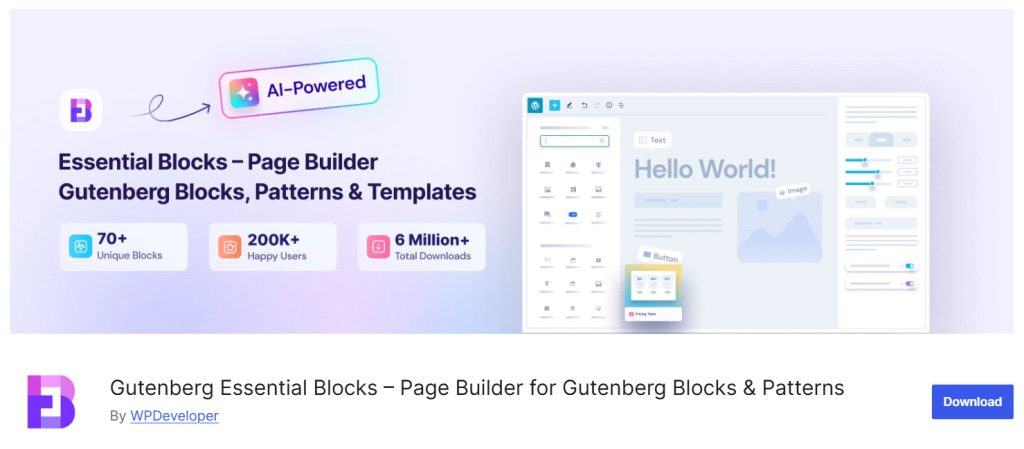
Essential Blocks is a freemium Gutenberg block plugin for WordPress that adds a large collection of custom blocks to the Gutenberg editor. It includes accordion, button, pricing table, forms, tabs, testimonials, post grids, WooCommerce product blocks, and AI content tools.
The free version covers dozens of useful blocks so you can test before upgrading, while the Pro version adds advanced blocks, visibility conditions, and more interactive features.
This Gutenberg plugin is useful for WordPress users who want a wide selection of blocks and patterns without switching to a separate page builder.
Features
- 70+ free blocks including accordion, forms, and pricing tables
- Post grids, carousels, and testimonials
- WooCommerce product grid and related blocks
- AI content and image tools
- Patterns and templates
- Advanced visibility conditions and animations
- Data table, news ticker, and more Pro blocks
- Modular control to enable only needed blocks
Pros and Cons
| Pros | Cons |
|---|---|
| Large free block library with AI tools | Some advanced blocks and conditions require Pro |
| Good WooCommerce and pattern support | Can feel heavy if many blocks stay enabled |
| Modular so you can disable unused blocks | |
| Works well inside the native block editor |
Pricing
Essential Blocks is freemium. The free version can be downloaded from the WordPress repository. The premium version starts at $37 per year.
7. Stackable
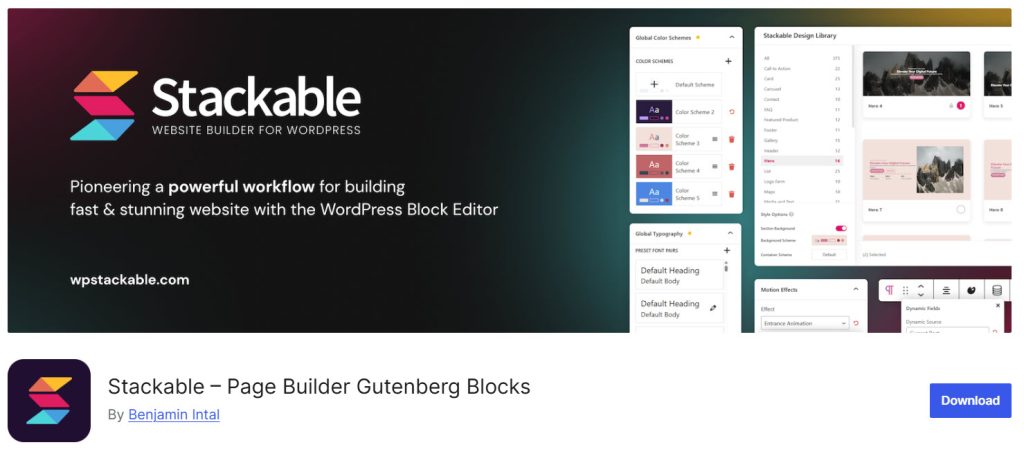
Stackable is a freemium Gutenberg block plugin for WordPress that adds a strong collection of custom blocks and a design library to the Gutenberg editor.
It includes advanced columns, headings, buttons, carousels, tabs, accordions, pricing, testimonials, and feature blocks along with global design controls. The free version covers core layout and content blocks so you can test before upgrading, while the Pro version adds dynamic content, conditional display, and motion effects.
This Gutenberg plugin is useful for WordPress users who want flexible page building options without switching to a separate page builder.
Features
- Advanced columns, heading, and button blocks
- Carousel, tabs, accordion, and timeline blocks
- Pricing, testimonials, and feature blocks
- Design library with pre-built patterns
- Global design system and responsive controls
- Dynamic content and conditional display
- Motion effects and more integrations
- Lightweight with minimal frontend impact
Pros and Cons
| Pros | Cons |
|---|---|
| Strong free version with many useful blocks | Dynamic content and advanced effects require Pro |
| Good design library and global controls | Some advanced integrations are Pro only |
| Performance-focused with clean output | |
| Works well inside the native block editor |
Pricing
Stackable is freemium. The free version can be downloaded from the WordPress repository. The premium version starts at $49 per year.
Common Mistakes to Avoid While Choosing a Gutenberg Block Plugin
Choosing the wrong Gutenberg block plugin can leave you with blocks that conflict with your theme or force you to use extra tools you do not need. Taking a few minutes to check key details helps you find one that fits your WordPress website.
- Ignoring the free version is a common mistake. Most Gutenberg block plugins offer free versions with useful blocks so you can test layout options and block templates before deciding to upgrade.
- Choosing a plugin solely based on the number of blocks can cause problems. A large collection looks good, but too many unused blocks can slow your site, so look for options that let you enable only the ones you need.
- Forgetting about performance is risky. Some plugins that add many specialized blocks load extra CSS and scripts on every page, which can hurt speed compared to lighter options that stay close to default Gutenberg blocks.
- Overlooking responsive controls leads to layout issues. The plugin should let you adjust spacing, columns, and visibility for different screen sizes without writing custom CSS.
- Skipping compatibility checks creates extra work. Make sure the plugin works with your theme and other tools, especially if you use WooCommerce or need e-commerce blocks.
- Not testing the workflow before installing is a mistake. Install the free version, build a simple section, and see how easy it is to customize blocks to see if it fits your site-building process.
Here are some related articles you might be interested in:
- 7 Best Gutenberg Block Plugins for WordPress in 2026
- 7 Best WhatsApp Chat Plugins for WordPress in 2026
- 7 Best Cloud Hosting Providers 2026 for Small Businesses
- 7 Best WooCommerce Dynamic Pricing & Discount Plugins
- How to Create a WhatsApp Link: Generator & Click-to-Chat URL
Frequently Asked Questions
Now, let’s take a look at some frequently asked questions and answers on this topic.
What are the best Gutenberg block plugins for WordPress?
The best Gutenberg block plugins add useful blocks and design options without forcing you into a separate page builder. Most include a free version so you can test before upgrading.
How do I choose the right Gutenberg plugin for my site?
Look at the free version, responsive controls, and performance when you choose the right Gutenberg plugin. A good option should let you add new blocks and customize layouts inside the block editor without slowing your site.
Do Gutenberg plugins offer free versions?
Yes, most Gutenberg plugins offer free versions with essential blocks so you can test before paying. The free version is usually enough for basic layouts, while Pro adds more advanced options.
Can I use Gutenberg block plugins instead of Elementor?
Yes, many Gutenberg block plugins help you build pages inside the native block editor without switching to Elementor. They add layout blocks, templates, and design options while keeping things lighter than a full page builder.
What is the difference between core blocks and plugin blocks?
Core blocks are the default Gutenberg blocks that come with WordPress. Plugin blocks add extra options such as advanced columns, forms, and specialized layout tools that the default set does not include.
Are these plugins good for ecommerce sites?
Some Gutenberg plugins include WooCommerce blocks and product-related features. These help you display products, pricing tables, and related elements inside the block editor without extra tools.
Do I need more than one plugin for blocks?
You usually only need one plugin for blocks on most sites. Using multiple block libraries can create conflicts and slow your site, so start with one and test how it works.
How do block libraries help with design?
Block libraries and design patterns give you pre-built sections you can insert and edit. This helps you create layouts faster, rather than building every section from scratch in the block editor.
Are Gutenberg block plugins easy for beginners?
Most are easy enough for beginners because they work inside the familiar block editor. You can start with a free version, add blocks, and adjust spacing and styles without writing code.
Should I check performance before installing a Gutenberg plugin?
Yes, you should check performance before installing a Gutenberg plugin. Some plugins load extra assets on every page, so look for options that let you enable only the blocks you need.
Conclusion
Brandy Blocks stands out as a strong overall choice for most WordPress sites that want useful Gutenberg blocks without extra complexity.
It includes layout blocks, forms, testimonials, pricing tables, specialized WooCommerce features such as wish lists and product comparisons, and a large pattern library. It is free and works within the native block editor, making it easy to test and use to build pages.
Kadence Blocks is a solid option if you want flexible row layouts and section blocks, along with a good design library. Otter Blocks works well when you need AI tools and forms.
GenerateBlocks fits developers who prefer lightweight core blocks. Essential Blocks and Stackable are useful if you want a large free collection or strong global design controls. Spectra Legacy remains a reliable free option for existing users who already rely on its block set.
Which plugin are you going to use?
Let us know in the comments.

Leave a Reply