


Are you looking for the best Kadence Blocks alternatives? In this post, we are going to show you six of the best block plugins for WordPress to know about.
Kadence Blocks is a popular plugin for adding advanced blocks to the WordPress editor. Many users still look for alternatives that offer different design controls, better performance, or features that match their specific workflow. Some options focus on lightweight layouts, while others offer more prebuilt patterns and styling options.
This guide covers six solid Kadence Blocks alternatives so you can compare their strengths and choose the one that fits your site.
Why Do You Need to Look for Kadence Blocks Alternatives
Kadence Blocks works well for many sites, but it does not cover every design need or workflow. Some users run into limits with specific layout options, performance on heavier pages, or features that other plugins handle differently. Looking at alternatives helps you find a better match for how you build content.
- You need more flexible column, spacing, and responsive controls than the default Kadence options provide for complex layouts.
- The free version lacks certain design blocks you use often, and upgrading is not ideal for your current budget or site count.
- Page speed drops on pages with multiple advanced blocks, and a lighter alternative loads faster without extra optimization steps.
- You prefer a plugin that works more tightly with your current theme’s styling system and reduces the need for custom CSS.
- Certain layout patterns or pre-built sections are missing from Kadence and available in other plugins with ready-made designs.
- You want stronger support for custom post types or specific content structures used on your site, such as directories or course pages.
6 Best Kadence Blocks Alternatives You Should Try
| Plugin | Free Version | Best For | Lightweight | Design System | Pre-built Patterns |
|---|---|---|---|---|---|
| Brandy Blocks | Yes | Clean modern layouts | Yes | Basic | Limited |
| GenerateBlocks | Yes | Flexible custom layouts | Yes | Strong | Limited |
| Spectra Blocks | Yes | Fast page building with patterns | Medium | Good | Yes |
| Otter Blocks | Yes | Everyday content blocks | Yes | Basic | Limited |
| Stackable | Yes | Consistent global design | Medium | Strong | Yes |
| Essential Blocks | Yes | Content-heavy pages | Medium | Good | Yes |
1. Brandy Blocks
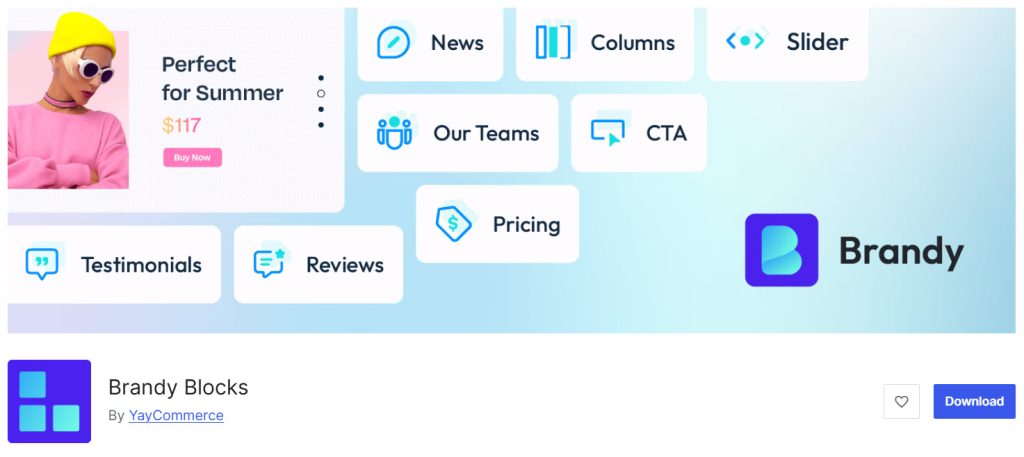
Brandy Blocks is a free Gutenberg blocks plugin built for clean, modern layouts. It focuses on simple design controls that work well with the block editor without adding heavy code.
The plugin includes useful blocks for content sections, buttons, and layout elements that stay easy to adjust as you build. It works smoothly with the Brandy theme and other lightweight themes. You get basic spacing, alignment, and styling options that cover most everyday content needs. The plugin keeps the code light so pages load quickly even when you add multiple blocks.
You can download it from the WordPress plugin repository and start using it right away on any site.
Features
- Clean layout blocks for sections, columns, and content areas
- Simple spacing and alignment controls
- Button and call-to-action blocks with basic styling options
- Lightweight code that keeps pages fast
- Works well with the block editor and modern themes
Pros and Cons
| Pros | Cons |
|---|---|
| Free and available on the WordPress repository | Fewer advanced design blocks than some larger plugins |
| Lightweight and easy to use | Limited pre-built patterns compared to premium options |
| Clean design that matches modern themes |
Pricing
Brandy Blocks is free. You can download it from the WordPress plugin repository.
2. GenerateBlocks
GenerateBlocks is a lightweight Gutenberg blocks plugin focused on flexible layout building.
It gives you core blocks like Container, Grid, Headline, Button, and Query Loop that cover most design needs without extra bloat. The controls stay simple yet precise, so you can adjust spacing, alignment, and styling directly in the editor. It pairs especially well with GeneratePress but works on any theme. The free version handles everyday layouts while the pro version adds dynamic content options and more advanced query features.
Pages stay fast even with multiple blocks. You can download the free version from the WordPress repository and upgrade to access the extra tools.
Features
- Container, Grid, Headline, Button, and Query Loop blocks
- Precise spacing, alignment, and responsive controls
- Lightweight code that keeps pages fast
- Dynamic content support in the pro version
- Works with any theme, strongest with GeneratePress
Pros and Cons
| Pros | Cons |
|---|---|
| Extremely lightweight and fast | Free version has fewer dynamic options |
| Excellent layout control for custom designs | Query features feel limited without the pro version |
| Clean interface that stays out of the way | |
| Strong community and regular updates |
Pricing
GenerateBlocks is freemium. The free version can be downloaded from the WordPress plugin repository, and the premium version starts at $99 a year.
3. Spectra Blocks
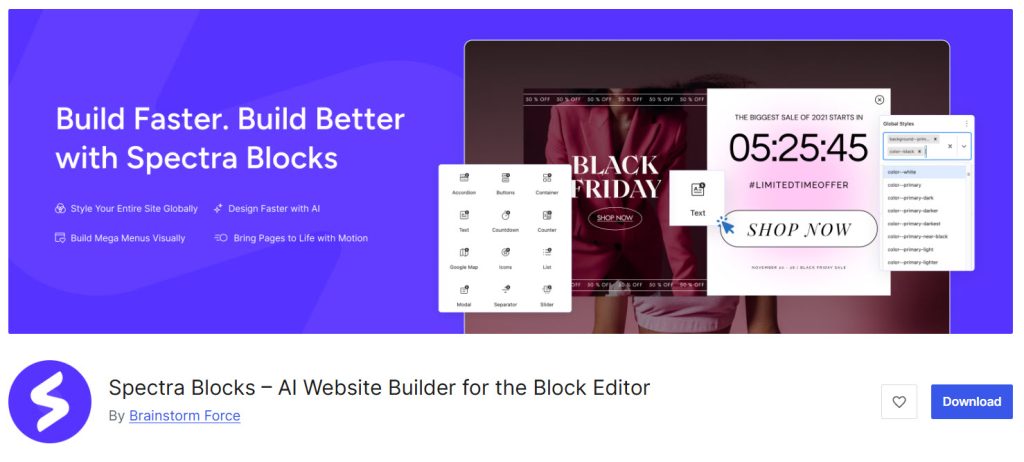
Spectra Blocks is a Gutenberg blocks plugin with a large set of design blocks for headers, content sections, forms, and layouts. It includes prebuilt patterns that help you assemble pages faster without starting from scratch.
The controls cover spacing, colors, typography, and responsive settings in a clear interface. It works especially well with the Astra theme but runs on any WordPress theme. The free version already includes most everyday blocks, while the pro version unlocks extra advanced options and more patterns.
The plugin stays relatively light for the number of blocks it offers. You can download the free version from the WordPress repository and upgrade to access additional tools.
Features
- Large library of design and content blocks
- Pre-built patterns for faster page building
- Spacing, color, and responsive controls
- Form and call-to-action blocks
- Strong integration with Astra theme
Pros and Cons
| Pros | Cons |
|---|---|
| Large free block library | Some advanced patterns require the pro version |
| Pre-built patterns speed up design | Interface can feel busy with many options |
| Good free version for most sites | |
| Works well with Astra and other themes |
Pricing
Spectra Blocks is freemium. The free version can be downloaded from the WordPress plugin repository, and the premium version starts at $69 a year.
4. Otter Blocks
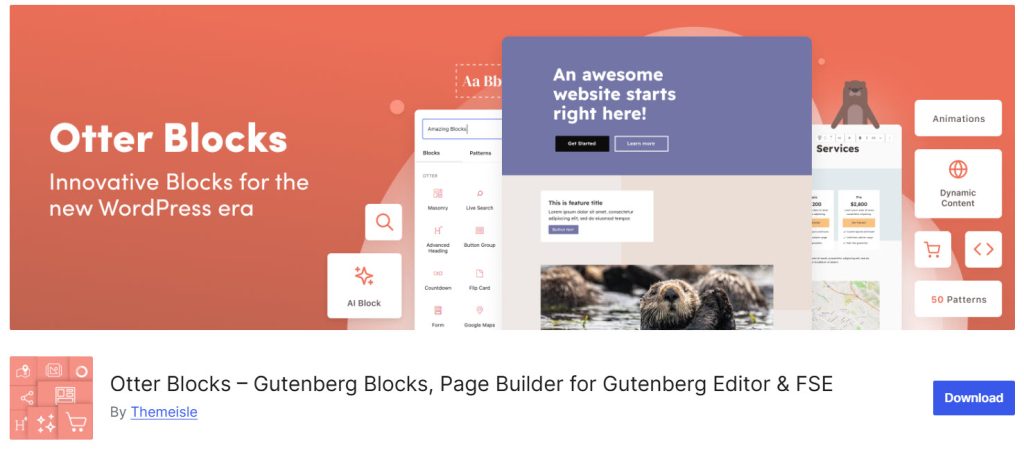
Otter Blocks is a Gutenberg blocks plugin that adds a solid set of content and layout blocks.
It includes options for columns, buttons, posts, maps, and other common elements with straightforward styling controls. The interface keeps most settings visible in the editor so you can adjust spacing, colors, and alignment without jumping between panels. It works with any theme and includes a few useful free blocks for everyday use.
The pro version adds more advanced blocks and design options. The plugin remains reasonably light while giving you enough tools for most content pages. You can download the free version from the WordPress repository and upgrade to the paid version if you need the extra blocks.
Features
- Columns, buttons, posts, and layout blocks
- Spacing, color, and alignment controls
- Map and other utility blocks
- Clean editor interface
- Works with any WordPress theme
Pros and Cons
| Pros | Cons |
|---|---|
| Good free block selection for everyday use | Advanced blocks require the pro version |
| Simple controls that are easy to find | Fewer pre-built patterns than some alternatives |
| Lightweight enough for most sites | |
| Works with any theme |
Pricing
Otter Blocks is freemium. The free version can be downloaded from the WordPress plugin repository, and the premium version starts at $69 a year.
5. Stackable
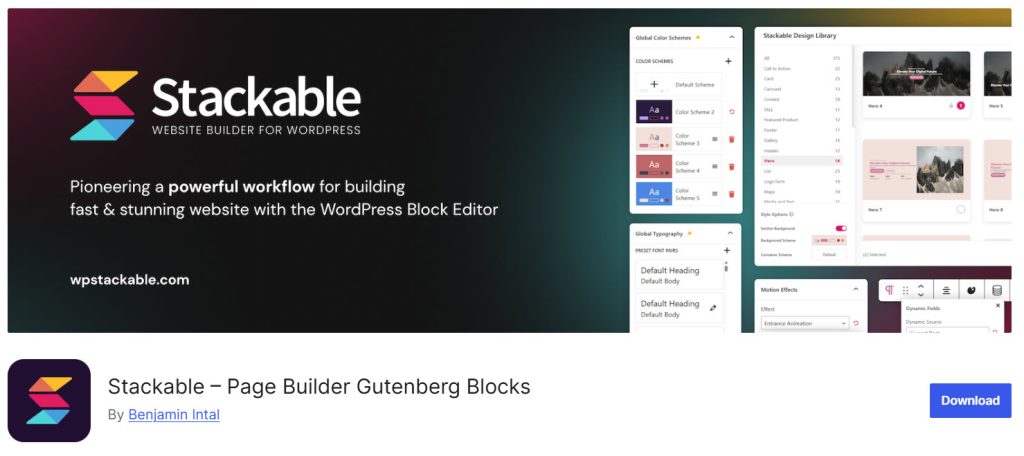
Stackable is a Gutenberg blocks plugin with a large collection of design blocks and a built-in design system.
It lets you control colors, typography, spacing, and global styles from one place so pages stay consistent. The free version includes many useful blocks for content sections, cards, and layouts. The pro version adds more advanced blocks, role management, and additional design options. Pre-built layouts help you get started faster without having to build every section from scratch.
The plugin works with any theme and gives you clear controls inside the editor. You can download the free version from the WordPress repository and upgrade to the full design system if you need it.
Features
- Large set of design and content blocks
- Global design system for consistent styling
- Pre-built layouts and sections
- Spacing, color, and typography controls
- Role management in the pro version
Pros and Cons
| Pros | Cons |
|---|---|
| Strong design system for consistent styles | Full design system needs the pro version |
| Many free blocks available | Can feel heavy if you only need basic blocks |
| Pre-built layouts speed up building | |
| Good control over global styles |
Pricing
Stackable is freemium. The free version can be downloaded from the WordPress plugin repository, and the premium version starts at $49 a year.
6. Gutenberg Essential Blocks
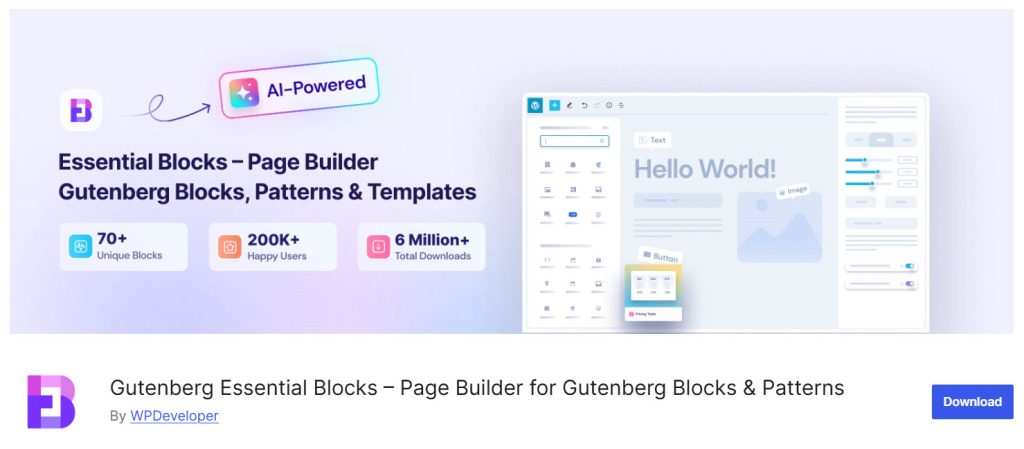
Essential Blocks is a Gutenberg blocks plugin with a wide range of content and design blocks.
It includes options for posts, forms, testimonials, tables, and other common elements with clear styling controls. The free version already covers many everyday needs, while the pro version unlocks extra advanced blocks and design features. You can adjust spacing, colors, and responsive settings directly in the editor.
The plugin works with any theme and includes a block library that helps you add sections quickly. It stays reasonably organized even with the number of blocks available. You can download the free version from the WordPress repository and upgrade to access additional tools.
Features
- Wide range of content and design blocks
- Posts, forms, testimonials, and table blocks
- Spacing, color, and responsive controls
- Block library for faster section building
- Works with any WordPress theme
Pros and Cons
| Pros | Cons |
|---|---|
| Large free block selection | Advanced blocks require the pro version |
| Clear controls inside the editor | Interface can feel crowded with many blocks |
| Good for content-heavy pages | |
| Works with any theme |
Pricing
Essential Blocks is freemium. The free version can be downloaded from the WordPress plugin repository, and the premium version starts at $37 a year.
Common Mistakes You Need to Avoid While Choosing Kadence Blocks Alternatives
Choosing a Kadence Blocks alternative is not just about finding more blocks. The wrong plugin can slow your site, lock you into extra paid features, or force you to rebuild pages later. Many people switch without checking how the new plugin handles styles, performance, or updates, then end up with more work than they expected.
- Focusing only on the number of blocks: A large free block library can be useful, but many sites need only a few solid layout blocks. Extra blocks that go unused still add code and can slow the editor over time.
- Ignoring performance impact: Some plugins load scripts and styles on every page even when you only use one or two blocks. This can hurt load times, especially if your current setup with Kadence Blocks already feels light.
- Not checking the free version limits: Several alternatives keep advanced layout tools, global styles, or query features behind a paid plan. Testing only the free version can hide gaps you will hit later.
- Overlooking theme and editor compatibility: A plugin that works well with one theme can create spacing or styling conflicts with another. Always test it with your current theme and a few existing pages before deciding.
- Skipping update and support history: Plugins that receive irregular updates can break after WordPress or theme changes. Checking the changelog and support response time helps avoid plugins that go quiet.
- Forgetting about existing content: Switching plugins does not always convert your old blocks cleanly. Some layouts may need manual fixes, so plan for that work if you already have many pages built with Kadence Blocks.
Now, here are some posts you might be interested in:
- 6 Best Kadence Blocks Alternatives You Should Really Know
- 7 Best Kadence Theme Alternatives with Better Performance
- Boost Your WooCommerce Store Conversions: 10 Things to Check
- 10 Best WooCommerce Themes for Fashion and Clothing Stores
- 7 Best Jewelry WordPress Themes: Top Options for Your Store
Frequently Asked Questions
Now, let’s take a look at some frequently asked questions and answers on this topic.
What are the best free Kadence Blocks alternatives?
GenerateBlocks, Spectra Blocks, and Otter Blocks are solid free options if you want more layout control or different design tools. Brandy Blocks is also a clean free choice if you prefer simple blocks that stay lightweight and easy to use with modern themes. It works well when you want everyday layout blocks without extra complexity.
Is GenerateBlocks better than Kadence Blocks for speed?
GenerateBlocks is generally lighter and focuses on core layout blocks. Brandy Blocks is another lightweight option that keeps pages fast with simple spacing and alignment controls. Kadence Blocks offers more design options out of the box, so the better choice depends on how much control you want versus how lean you want the site to stay.
Can I use Spectra Blocks with any theme?
Yes. Spectra Blocks works with most WordPress themes. It pairs especially well with Astra, but you can use it with other themes without issues. Brandy Blocks is also built to work cleanly with modern themes and the block editor, so it is a good free alternative if you want something simpler.
Do I need the pro version of Stackable?
The free version of Stackable covers many everyday blocks and basic styling. The pro version adds a stronger design system, more advanced blocks, and extra layout options. If you want to stay free, Brandy Blocks gives you clean layout blocks without needing a paid plan for basic use.
Are these plugins easy to use for beginners?
Most of them are. GenerateBlocks and Otter Blocks keep the interface simple. Brandy Blocks stays straightforward if you want basic blocks with few settings, making it easy for beginners who just need clean sections and buttons.
Will switching plugins break my existing pages?
It can. Blocks from different plugins are not always compatible. You may need to rebuild some sections after switching. Test the new plugin on a staging site first to gauge how much work is involved. Brandy Blocks is simple enough that rebuilding basic layouts usually stays quick.
Which plugin is best for lightweight sites?
GenerateBlocks and Brandy Blocks are among the lighter options. They focus on essential layout blocks and avoid loading extra scripts on every page. This makes them a good fit if performance is a priority and you do not need a large block library.
Does Otter Blocks include a design system?
Otter Blocks offers basic styling controls but does not include a full global design system like Stackable. It works well for individual pages. Brandy Blocks also keeps styling simple and focused, which is useful if you want clean modern layouts without managing a full design system.
Can I use more than one block plugin at the same time?
You can, but it is usually better to stick with one. Using multiple block plugins can create style conflicts and make the editor slower. Brandy Blocks works fine on its own for most content pages, so you do not need to mix it with other block plugins.
Which free plugin is good for clean modern layouts?
Brandy Blocks works well for simple, clean blocks that match modern themes. It includes useful layout and button blocks with basic spacing controls that stay easy to adjust. GenerateBlocks is another strong free option for more precise layout control, but Brandy Blocks keeps things lighter and simpler for everyday use.
Conclusion
Brandy Blocks is a strong free option if you want clean, lightweight blocks for modern layouts without extra complexity. It keeps the editor simple and works well for everyday sections, buttons, and spacing.
GenerateBlocks is a better fit when you need precise layout control and advanced query features. Spectra Blocks suits sites that benefit from ready-made patterns and faster page building. Stackable works well if you want a consistent design system across the whole site.
Otter Blocks and Essential Blocks cover more content blocks if your pages need forms, posts, or testimonials. Test a couple of free versions on a staging site to see which one matches your workflow. Most sites only need one solid block plugin, and Brandy Blocks covers the basics cleanly for many users.
Which plugin are you going to choose?
Let us know in the comments.

Leave a Reply