


Are you looking for the best Kadence theme alternatives? In this post, we will show you the top 7 themes you can use instead of Kadence. So, keep reading this article.
Kadence is a popular WordPress theme, but some users want lighter options that load faster and use fewer resources. If your site feels slower than expected or you need better performance without sacrificing customization, switching to another theme can help.
In this guide, we look at seven Kadence alternatives that focus on speed, clean code, and practical features. These themes work well for blogs, business sites, and online stores, and they give you more control over how your site performs.
First, let’s see what to look for in Kadence theme alternatives.
What to Look for In Kadence Theme Alternatives
When looking for a Kadence alternative, focus on themes that improve loading speed while still giving you the design flexibility you need. The right option should work well with your existing plugins and page builder without adding unnecessary weight to the site.
- Lightweight code that keeps page size small and reduces the number of requests on each load.
- Strong compatibility with popular page builders such as Gutenberg, Elementor, or Bricks so you can keep your current workflow.
- Built-in performance features like optimized CSS, lazy loading support, or clean markup that help Core Web Vitals scores.
- Flexible header, footer, and layout options that let you customize the design without relying on heavy third-party plugins.
- Good WooCommerce support for online stores, including fast product pages and clean cart layouts.
- Regular updates and solid support to keep the theme compatible with the latest WordPress versions and security changes.
7 Best Kadence Theme Alternatives You Need to Try
Here is a comparison table of the themes covered:
| Theme | Type | Free Version | Starting Price | Best For |
|---|---|---|---|---|
| Astra | Freemium | Yes | $69/year | Speed and flexibility with page builders |
| Neve | Freemium | Yes | $69/year | Lightweight performance and starter sites |
| OceanWP | Freemium | Yes | $35/year | Elementor users and flexible layouts |
| Divi | Premium | No | $89/year | Full visual control with built-in builder |
| Blocksy | Freemium | Yes | $69/year | Gutenberg and advanced customization |
1. Brandy
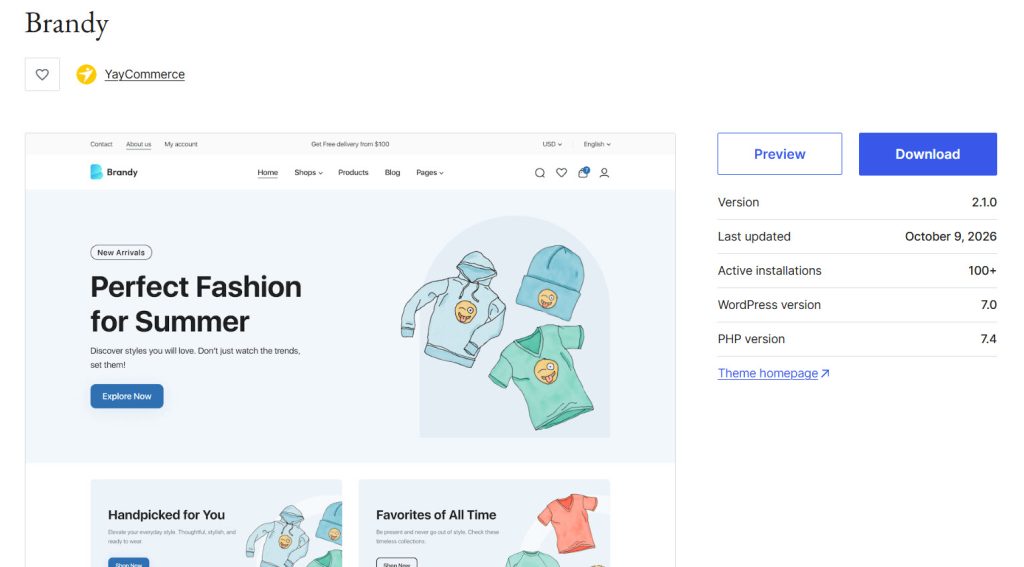
Brandy is a lightweight Full Site Editing theme built specifically for WooCommerce stores. It focuses on clean code and fast loading times while giving you visual control over headers, footers, product pages, and layouts through the WordPress Site Editor.
The theme works well for fashion, electronics, furniture, and other product-based sites, and it includes starter site options so you can launch a complete store without starting from a blank canvas. Brandy pairs with the Brandy Blocks plugin for extra design elements and keeps the overall setup simple for users who prefer native WordPress tools over heavy page builders.
Features
- Full Site Editing support for headers, footers, and templates
- Optimized for Core Web Vitals and mobile performance
- One-click starter sites for different store types
- Built-in header and footer builder with preset layouts
- WooCommerce-focused product, cart, and checkout templates
- Compatible with Gutenberg and popular page builders
Pros and Cons
| Pros | Cons |
|---|---|
| Fast loading and lightweight code | Newer theme with a smaller user base |
| Strong WooCommerce integration | Advanced blocks require a separate plugin |
| One-click starter sites for quick setup | |
| Native Full Site Editing support |
Pricing
Brandy is a free theme. The free version can be downloaded from the WordPress theme repository.
2. GeneratePress
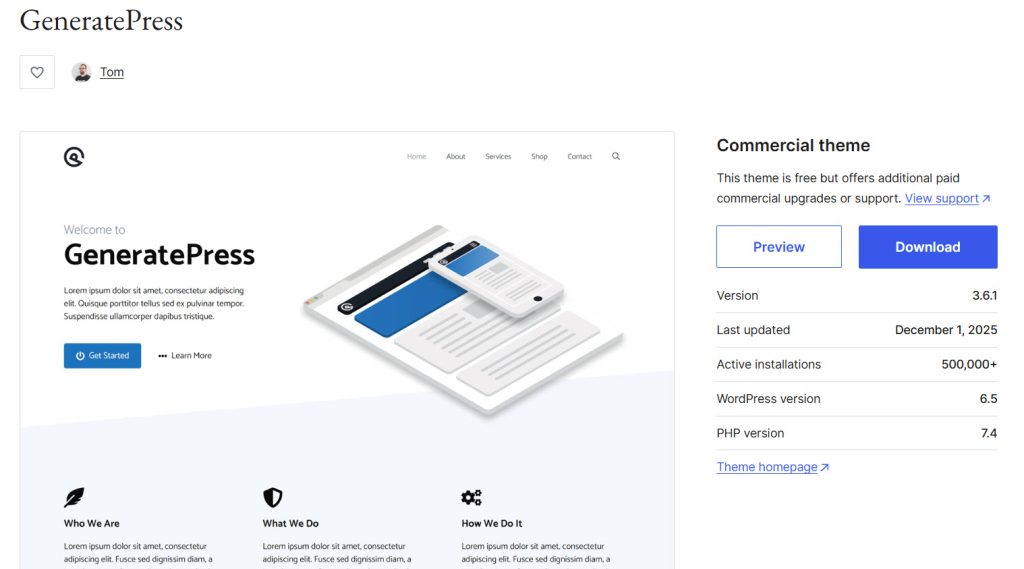
GeneratePress is a lightweight WordPress theme known for its small file size and strong performance. A fresh install adds very little code to your pages, which helps keep loading times low across blogs, business sites, and online stores.
The free version works well with the block editor and major page builders, while the premium version unlocks extra customization options, starter sites, and advanced layout controls. Many users choose it because it stays fast even after adding content and plugins, and it has remained actively maintained for years.
Features
- Extremely lightweight codebase for fast loading
- Full compatibility with the block editor and popular page builders
- Flexible layout options including multiple sidebar positions
- Strong WooCommerce support
- Locally hosted fonts and advanced typography controls
- Large library of starter sites
Pros and Cons
| Pros | Cons |
|---|---|
| Excellent performance and small footprint | Free version is quite basic for advanced designs |
| Highly compatible with most plugins and builders | Premium features are needed for full customization |
| Regular updates and long-term support | |
| Large community and extensive documentation |
Pricing
GeneratePress is a freemium theme. The free version can be downloaded from the WordPress theme repository, and the premium version starts at $99 a year.
3. Astra
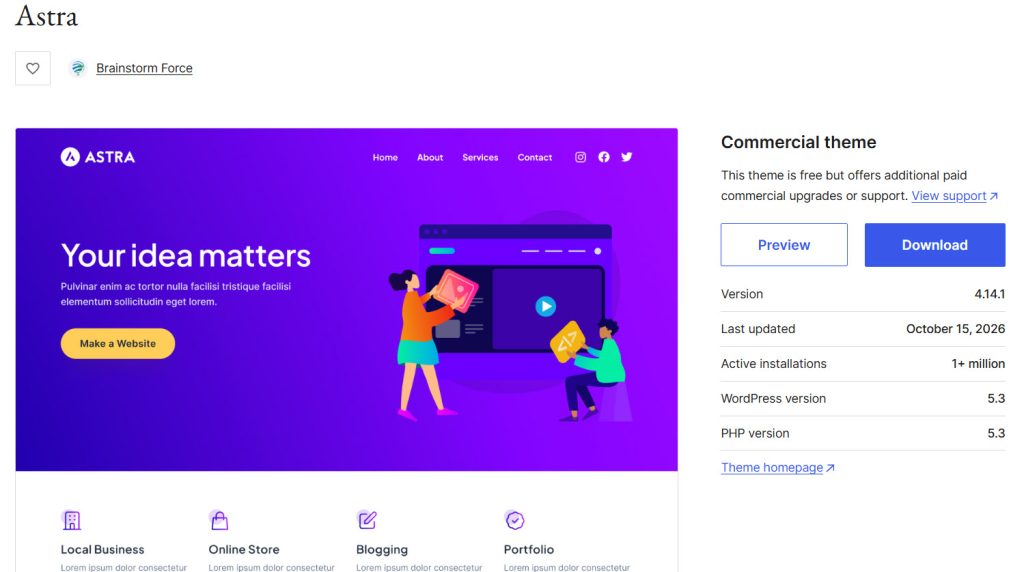
Astra is a popular lightweight WordPress theme designed for speed and flexibility across blogs, business sites, and online stores. It loads with a small footprint and works well with the block editor as well as page builders like Elementor and Beaver Builder.
The theme includes extensive customization options for headers, footers, colors, and typography, as well as robust WooCommerce support for product layouts and checkout pages. Many users switch to Astra because it balances performance with a large library of starter templates that help launch sites quickly without adding extra bloat.
Features
- Lightweight codebase optimized for fast loading times
- Deep compatibility with Gutenberg and major page builders
- Flexible header and footer builder with multiple layout options
- Strong WooCommerce integration for product and cart pages
- Large collection of starter templates for different niches
- Advanced typography and color controls for consistent branding
Pros and Cons
| Pros | Cons |
|---|---|
| Excellent performance and small resource usage | Some advanced layout options need the paid version |
| Works well with popular page builders | Large number of options can feel overwhelming at first |
| Regular updates and active development | |
| Wide range of starter templates available |
Pricing
Astra is a freemium theme. The free version can be downloaded from the WordPress theme repository, and the premium version starts at $69 a year.
4. Neve
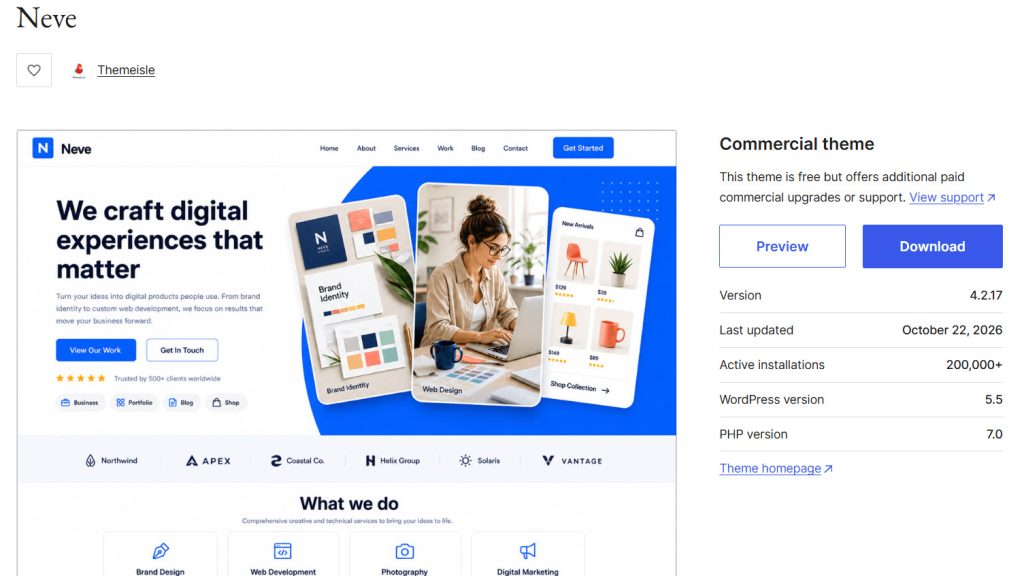
Neve is a lightweight WordPress theme focused on speed and clean performance for blogs, business sites, and online stores. It loads quickly and works smoothly with the block editor and popular page builders.
The theme offers flexible header and footer options, strong WooCommerce compatibility, and a collection of starter sites that help you launch a complete design quickly. Users often pick Neve when they want a fast theme that stays easy to customize without relying on heavy third-party tools.
Features
- Lightweight codebase designed for fast page loads
- Full compatibility with the block editor and major page builders
- Flexible header and footer builder with multiple components
- Strong WooCommerce support for product layouts and checkout
- Library of starter sites for different niches
- Advanced typography and color controls for consistent styling
Pros and Cons
| Pros | Cons |
|---|---|
| Excellent performance and small resource footprint | Free version is limited for advanced designs |
| Works well with popular page builders | Some layout options require the paid version |
| Regular updates and solid support | |
| Good collection of starter sites |
Pricing
Neve is a freemium theme. The free version can be downloaded from the WordPress theme repository, and the premium version starts at $69 a year.
5. OceanWP
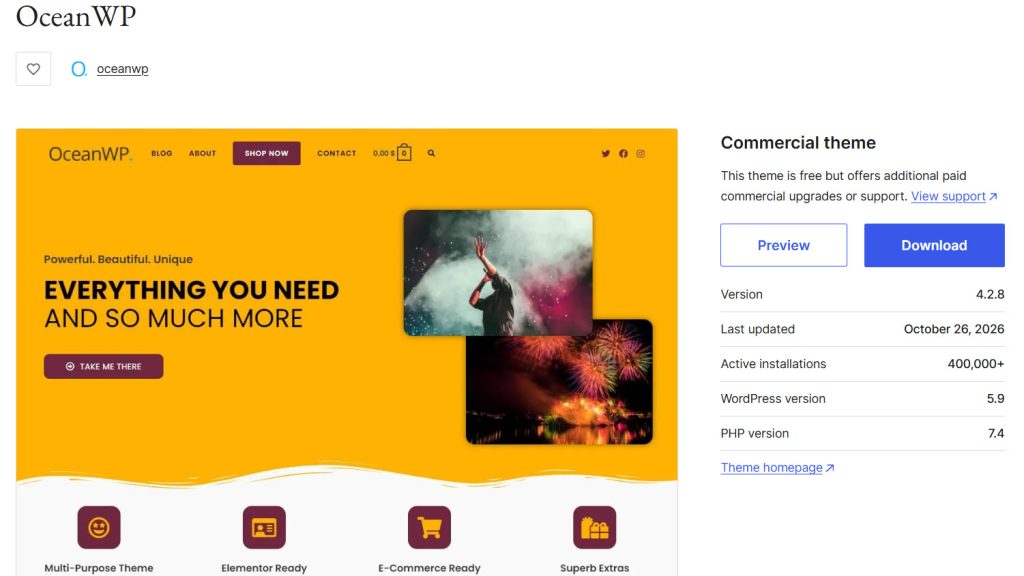
OceanWP is a multipurpose WordPress theme built for flexibility across blogs, business sites, portfolios, and online stores. It works well with the block editor and popular page builders, especially Elementor, and includes solid WooCommerce support for product layouts and checkout pages.
The theme offers extensive customization options for headers, footers, colors, and typography while keeping the base setup relatively lightweight. Many users choose it because the free version already covers many design needs, and the paid extensions add more advanced controls without requiring a full redesign.
Features
- Strong compatibility with Elementor and other page builders
- Flexible header and footer options with multiple styles
- Solid WooCommerce integration for product and cart pages
- Extensive customization controls for layouts and typography
- Translation and RTL ready for multilingual sites
- Regular updates and active support community
Pros and Cons
| Pros | Cons |
|---|---|
| Highly flexible for different site types | Some advanced features require paid extensions |
| Works well with Elementor and WooCommerce | Can feel feature-heavy for simple sites |
| Free version is quite capable | |
| Active development and good documentation |
Pricing
OceanWP is a freemium theme. The free version can be downloaded from the WordPress theme repository, and the premium version starts at $34 a year.
6. Divi
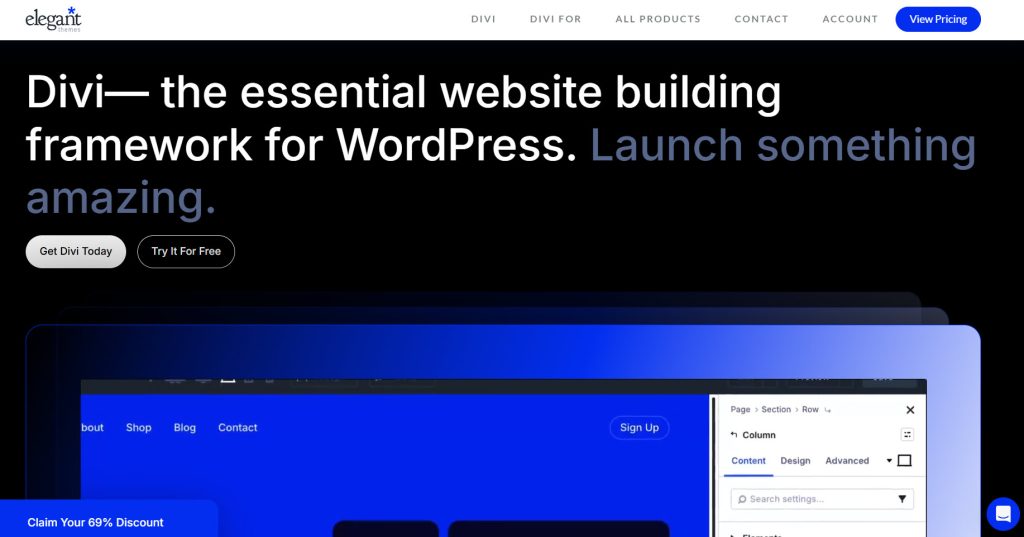
Divi is a premium WordPress theme and visual page builder from Elegant Themes that lets you design entire websites through a drag-and-drop interface. It includes a large collection of pre-built layouts, global design systems, and responsive controls so you can adjust layouts for different devices without writing code.
The builder supports dynamic content, custom templates for headers and footers, and advanced options for blogs, portfolios, and online stores. Many users choose Divi when they want full visual control over every part of the site and prefer to work within one integrated builder rather than combining multiple tools.
Features
- Visual drag-and-drop builder for pages, headers, and footers
- Large library of pre-made layouts and design templates
- Global styles and design presets for consistent branding
- Responsive editing with customizable breakpoints
- Strong support for dynamic content and custom post loops
- WooCommerce integration for product and checkout layouts
Pros and Cons
| Pros | Cons |
|---|---|
| Full visual control over the entire site | No free version available |
| Large library of ready-made layouts | Can feel heavy on lower-end hosting |
| Lifetime license option available | |
| Regular updates and active ecosystem |
Pricing
Divi is a premium theme. The premium version starts at $89 a year.
7. Blocksy
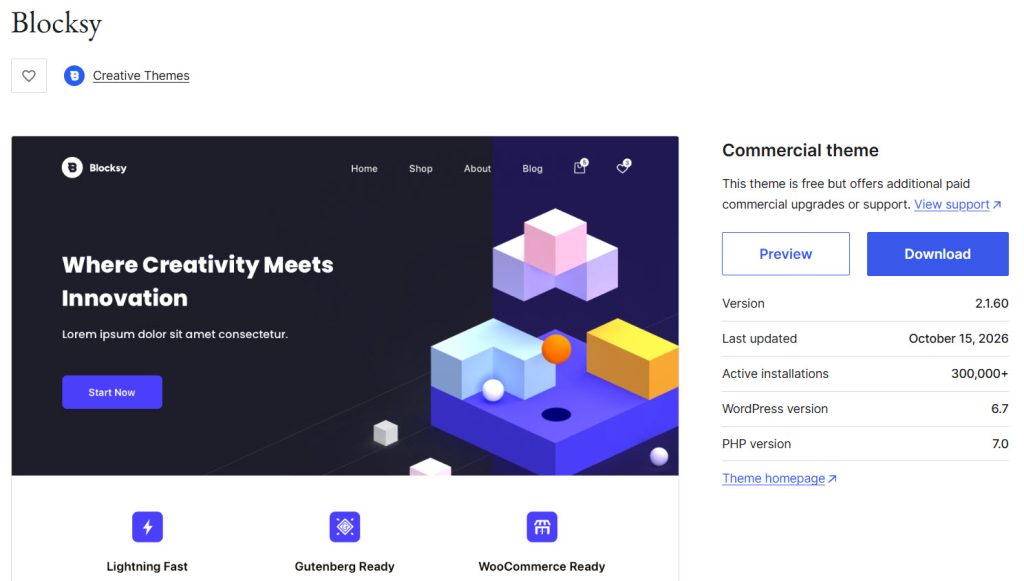
Blocksy is a modern WordPress theme built for speed and compatibility with the block editor. It offers flexible header and footer builders, strong WooCommerce support, and extensive customization options through the Customizer.
The free version already includes many design controls, while the premium version unlocks extra starter sites, advanced shop features, and additional layout options. Users often choose Blocksy when they want a fast theme that works well with Gutenberg and gives them granular control over headers, footers, and product pages without adding unnecessary weight.
Features
- Lightweight codebase optimized for fast loading
- Full compatibility with the block editor and popular page builders
- Flexible header and footer builder with multiple components
- Advanced WooCommerce options for product and shop layouts
- Real-time Customizer with extensive styling controls
- Library of starter sites for different niches
Pros and Cons
| Pros | Cons |
|---|---|
| Excellent performance and clean code | Some advanced features require the paid version |
| Strong free version with many options | Premium plans are limited by site count |
| Works well with Gutenberg and WooCommerce | |
| Regular updates and good support |
Pricing
Blocksy is a freemium theme. The free version can be downloaded from the WordPress theme repository, and the premium version starts at $69 a year.
What Are the Common Mistakes to Avoid While Choosing a Theme
Picking the wrong theme can slow down your site, limit design options, or force you to rebuild later. Most problems come from focusing on looks alone and ignoring how the theme performs and works with the rest of your setup.
- Choosing a theme only because the demo looks impressive, without checking real loading speed or code quality on a test site.
- Ignoring compatibility with the page builder or block editor you plan to use, which can break layouts after installation.
- Skipping the free version test and buying premium right away before confirming the theme fits your content type and workflow.
- Overlooking WooCommerce or other plugin support if you run a store, leading to missing product layout options later.
- Selecting a theme that receives infrequent updates, which raises the risk of security issues and plugin conflicts over time.
- Focusing only on current features while ignoring how easy it is to customize headers, footers, and mobile layouts without extra plugins.
Frequently Asked Questions
Now, let’s look at some frequently asked questions and answers on this topic.
Which free WordPress theme is best for speed?
Astra and Neve are two of the strongest options for speed. Both keep the code lightweight and load quickly on most hosting setups. Astra edges ahead if you plan to use Elementor or another page builder, while Neve works well for simpler sites that rely mainly on the block editor.
Can I use a free theme for a WooCommerce store?
Yes. Astra, Neve, OceanWP, and Blocksy all offer solid free WooCommerce support. You can create product pages, a shop layout, and a basic cart without upgrading. Premium versions add more product design options and faster checkout layouts if you need them later.
Is Divi worth the cost if there is no free version?
Divi makes sense if you want a complete visual builder included with the theme and do not want to install a separate page builder. The lifetime license can save money over time for agencies or freelancers who build multiple sites. For single sites that only need basic design control, a freemium theme often costs less.
Do free themes get regular updates?
Most popular free themes receive regular updates. Astra, Neve, OceanWP, and Blocksy all push updates through the WordPress theme repository. Updates cover security fixes and compatibility with newer WordPress versions. Premium plans usually include faster support and earlier access to new features.
Can I switch themes later without losing content?
Yes. Your posts, pages, and media stay intact when you change themes. Design elements such as custom headers, footers, and page layouts may need to be rebuilt. Testing the new theme on a staging site first helps you see what needs adjustment before going live.
Which theme works best with Elementor?
OceanWP and Astra have strong Elementor support in both free and premium versions. OceanWP was built with Elementor in mind and includes many header and footer options that work cleanly with the builder. Astra also integrates well and offers a large library of starter sites.
Are premium themes better for SEO?
Theme choice has a small effect on SEO compared to content and hosting. Lightweight themes like Astra, Neve, and Blocksy help with page speed, which supports better rankings. Premium versions do not automatically improve SEO. They mainly add design flexibility and extra layout options.
Can I use these themes with the block editor?
Yes. Astra, Neve, OceanWP, and Blocksy all support the block editor. Blocksy and Neve were built with strong block editor compatibility from the start. You can create layouts with blocks and still use the theme’s header, footer, and styling controls.
What happens if I stop paying for a premium theme?
You keep the theme and can continue using it on your site. You lose access to future updates and support. For themes like Astra and Blocksy, the free version remains available, so you can switch back to it if needed. Divi requires an active license for updates.
How do I test a theme before committing?
Install the free version on a staging site or local setup and import a starter site if available. Check loading speed, mobile layout, and compatibility with your preferred plugins. This shows real performance and design limits before you buy a premium plan.
Conclusion
Choosing the right theme depends on how you plan to build and manage your site.
Brandy works well for users who want a clean, modern design with strong block editor support and flexible layout options that stay easy to adjust as the site grows.
Astra suits projects that need reliable speed and broad compatibility with page builders. Neve is a solid pick for lightweight performance and quick starter site setups. OceanWP fits Elementor users who want flexible header and footer controls.
Divi appeals to those who prefer a complete visual builder included with the theme. Blocksy offers detailed customization for Gutenberg-focused sites. Testing a couple of free versions on a staging site helps confirm which one matches your workflow before you commit to a premium plan.
Which one are you going to choose?
Let us know in the comments.

Leave a Reply